
When creating an action plan, you can simply establish a list of tasks, but there are other ways to set up a more advanced action plan.
-
Custom sections allow you to group your tasks into different sections.
For example, you might organize them by department (HR, Production, etc.) or use any other grouping that is relevant for your action plan.To create custom sections, after clicking on “Define action plan”, open the “Division” menu and click on “Custom sections” at the bottom of the list.
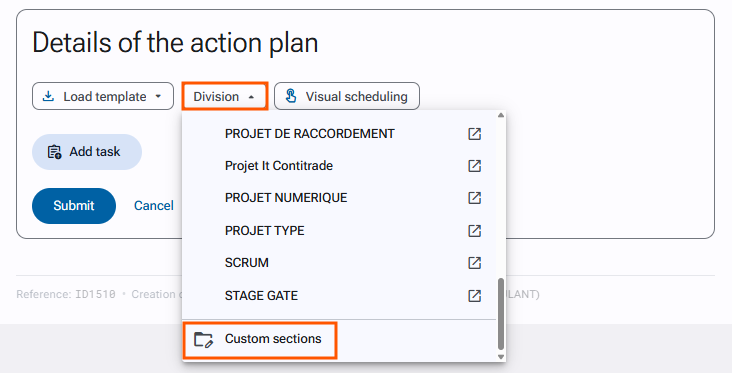
You can then give your section a title and create the different tasks it should contain.
-
Phases templates are based on a methodological approach that organizes your action plan into a sequence of phases that must be completed in a predefined order.
These phases templates can be created by a platform administrator in
“Administration > Templates and documents > Phases templates”.You will then find them in the “Division” dropdown menu.
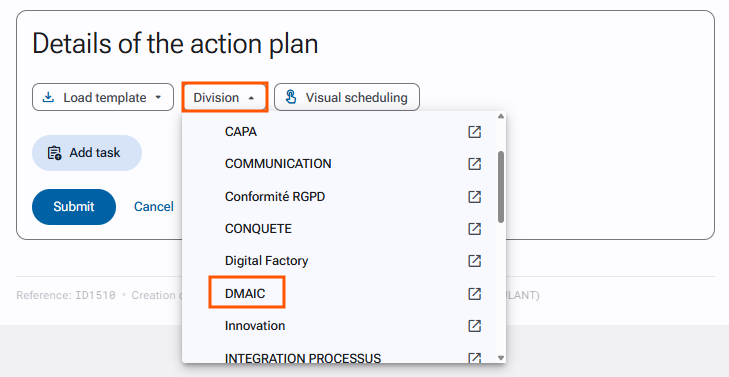
Once your phase template is applied, you can add the tasks of your choice within each phase.
-
An action plan template is a predefined list of tasks, optionally structured into custom sections or organized using a phases template.
The difference compared to custom sections or phases templates is that the tasks are already included in the template.
To apply an action plan template, click on “Load template” and select one from the list.
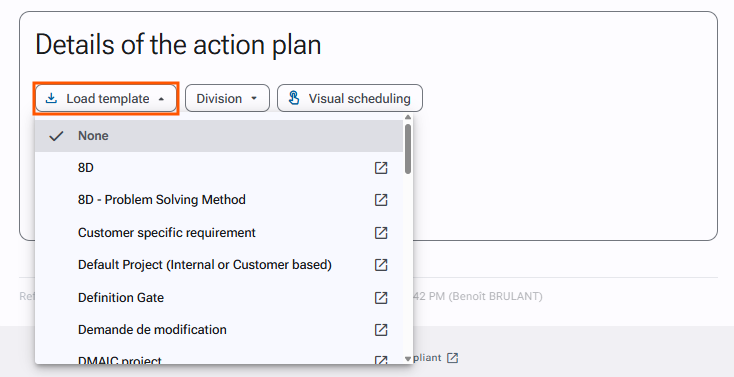
These templates are also created by a platform administrator in
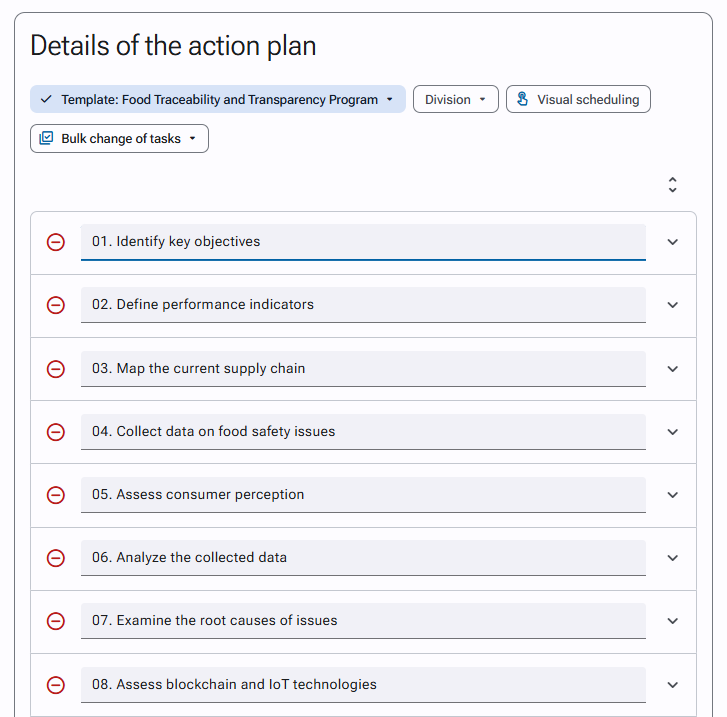
“Administration > Templates and documents > Action plan templates”.Here is an example of a simple action plan template (without sections or phases).
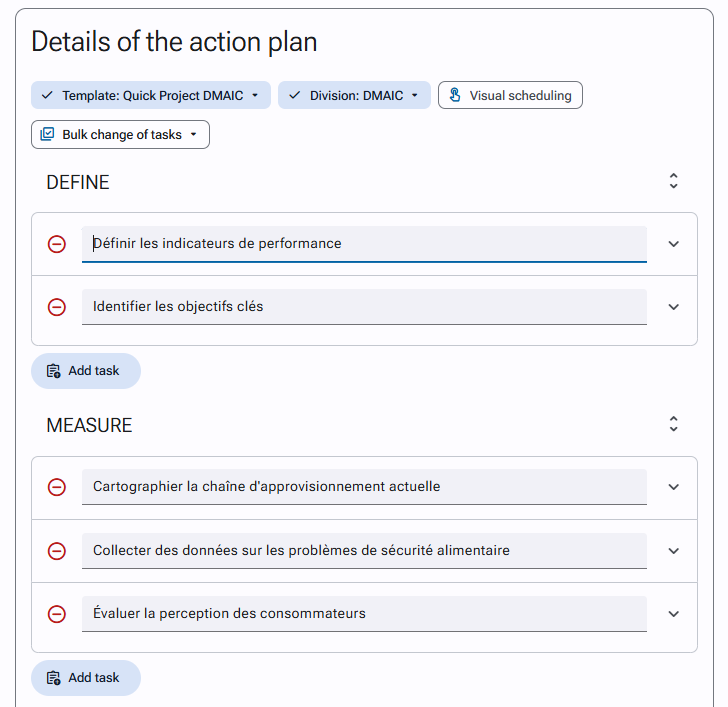
And here is an action plan template that includes a phases template.
You can also watch our video tutorial on how to build an advanced action plan, which covers the same information as this article.