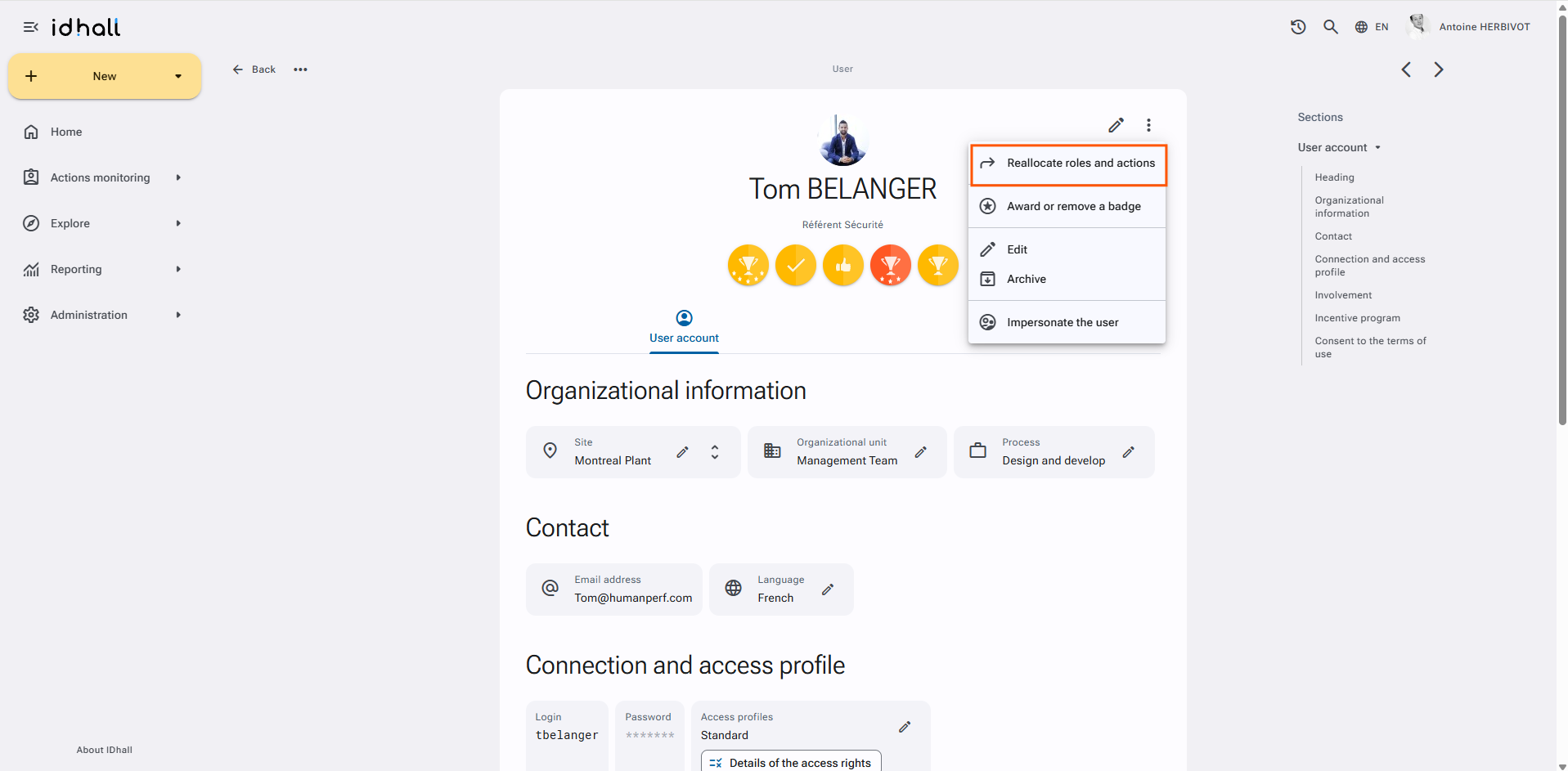
It is possible to reallocate roles and actions from one user to another during a prolonged absence or team change, for example.
Go to the Administration > Users & Access profiles > Users. Enter the file of the chosen profile and click on the advanced options on the upper right to be able to select "Reallocate roles and actions".
To reallocate a user's roles and actions
- Check the different elements to be reassigned.
- For the "Reallocate to" field, select from the drop-down list the person who will be in charge of the selected roles and actions.
- Click on "Submit" at the bottom of the page.
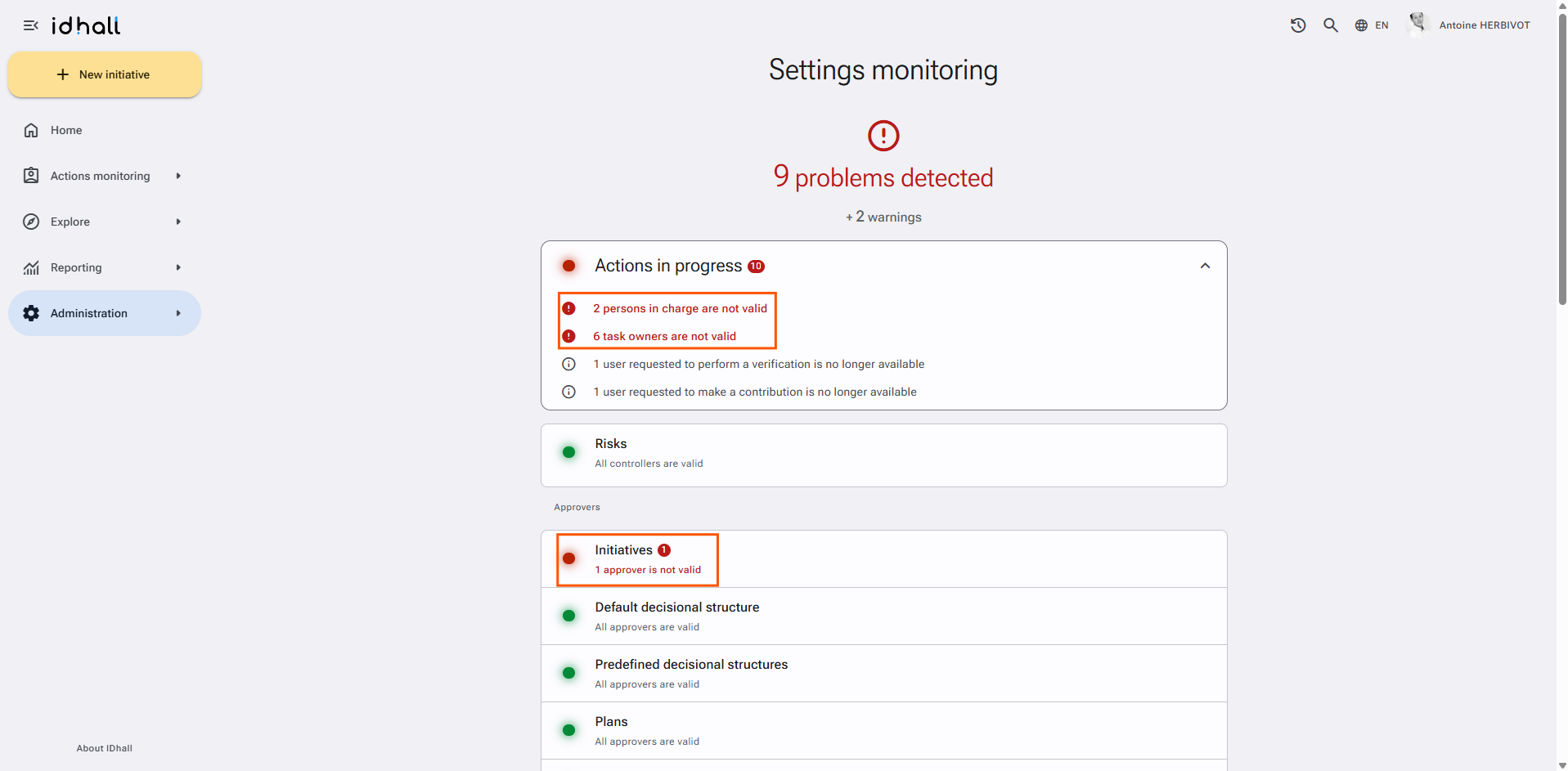
When users are archived, the administrator is notified in the administration part if initiatives are found without task owner or implementation coordinator. This creates a list of "orphan actions" where all the actions concerned can be redirected (link via the notification in the administration part or directly in Administration > Application management > Settings monitoring).