
Connection as another user allows an authorized user to log into the application with another user's account. This feature is useful when an administrator wants to ensure that a profile has the right visibility and features. It can also be used to unlock a situation.
This functionality should in theory be reserved for very limited use.
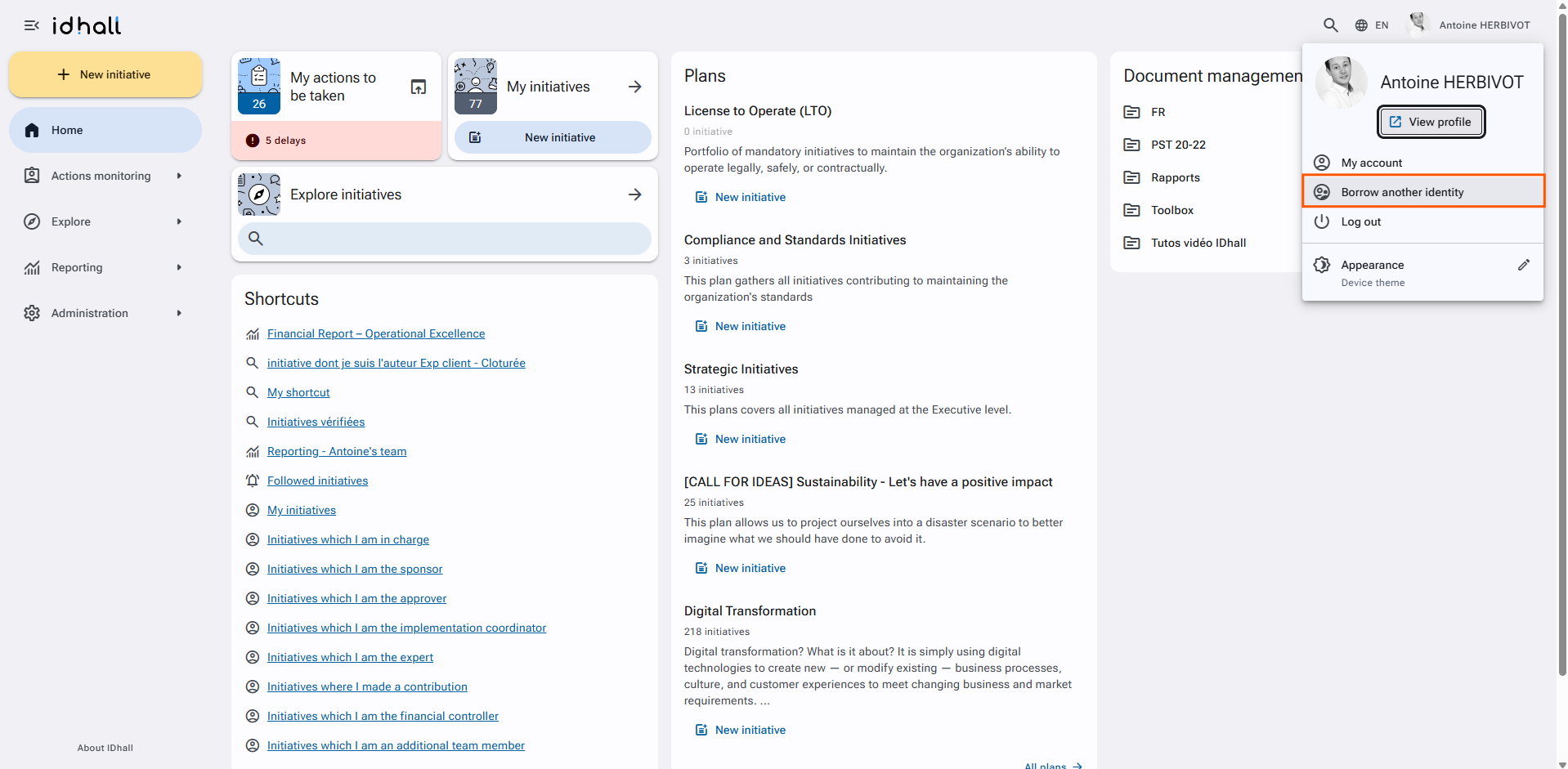
To do this, use the "Borrow another identity" function available via the personal menu.
Required right: Users > Borrow another identity
When connecting as another user, the drop-down list provided by IDhall may not include all collaborators. This can be explained:
A filter is used when searching for a user as indicated by the banner below "Other filters being used".
By default, the application applies a perimeter filter to find all users belonging to your site.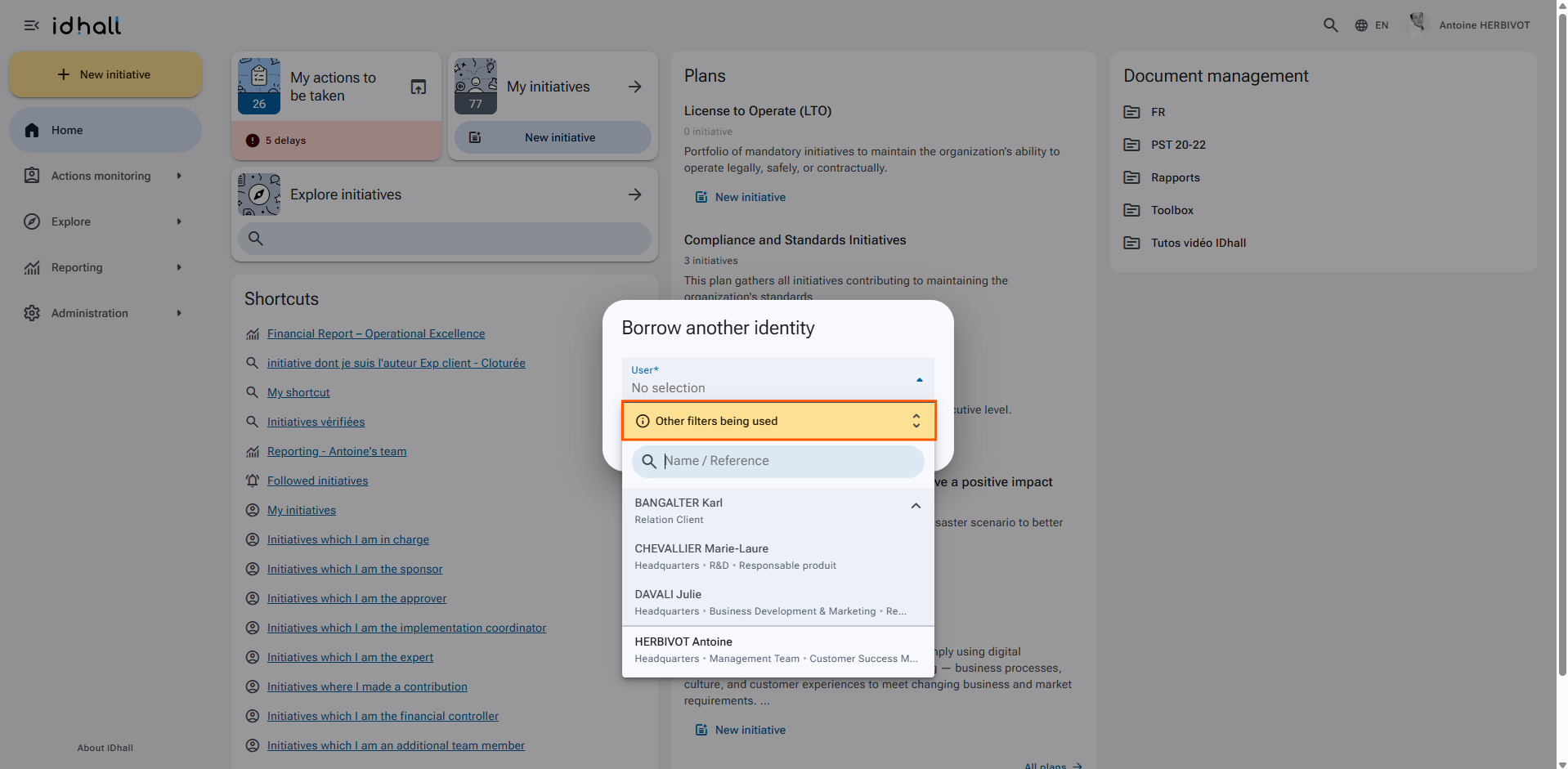
To disable this filter, simply click on the banner "Other filters being used" and select "No selection" from the drop-down list.