
Administration tools are available to archive multiple users :
- Go to Administration > Users & Access profiles > Users.
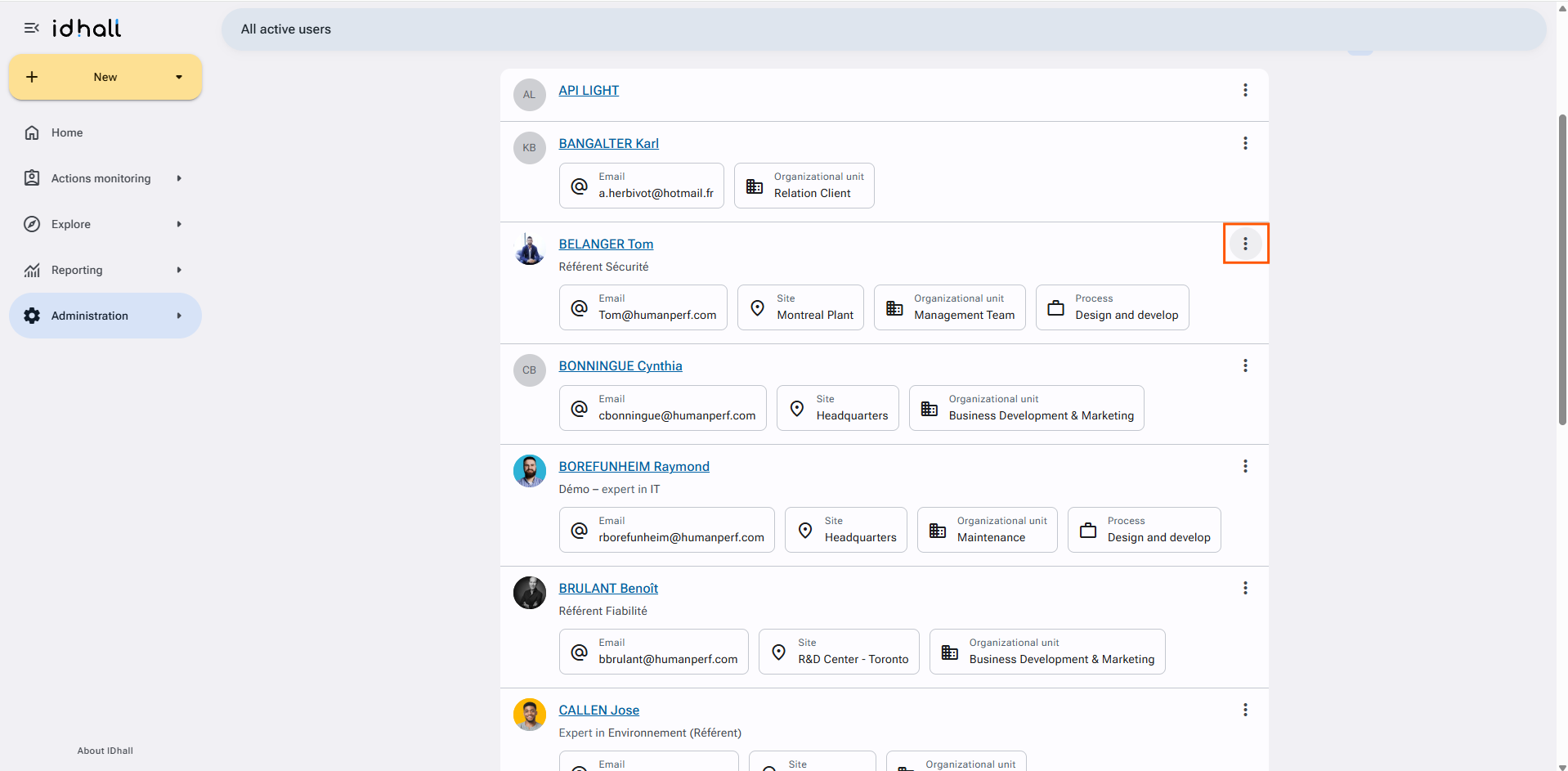
- Click on the 3 vertical dots to the right of the name of the user to be archived in order to display a menu of options.
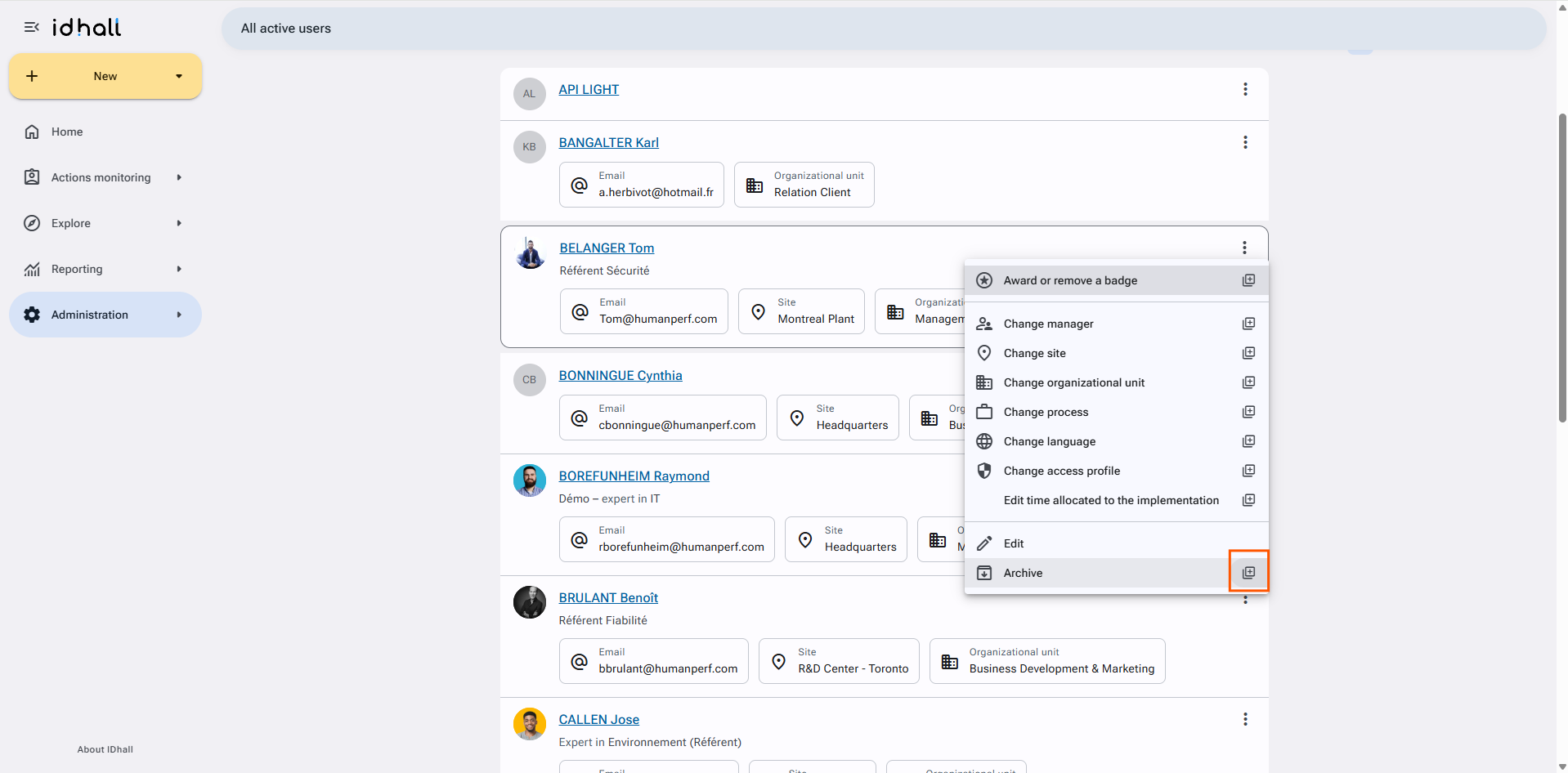
- Click the "+" icon to the right of the "Archive" action.
- Check the users to be archived then click on the "Selection completed" button.
- Click the "Archive" button to complete the archiving of your selection.
Two additional buttons allow you to select all items or deselect the selection.