
The General Data Protection Regulation (applicable from 25th of May 2018) provides a uniform approach to data protection throughout the European Union.
In this context, an employee may want to assert his or her right to be forgotten.
You then have two options:
- The user is not associated with any operation within the application: you can simply delete the user directly from his file.
- The user is associated with at least one operation within the application and therefore deletion is impossible: you must then archive the user and click on “Delete personal data ”*.
Requires Users > Administration > Delete personal data right.
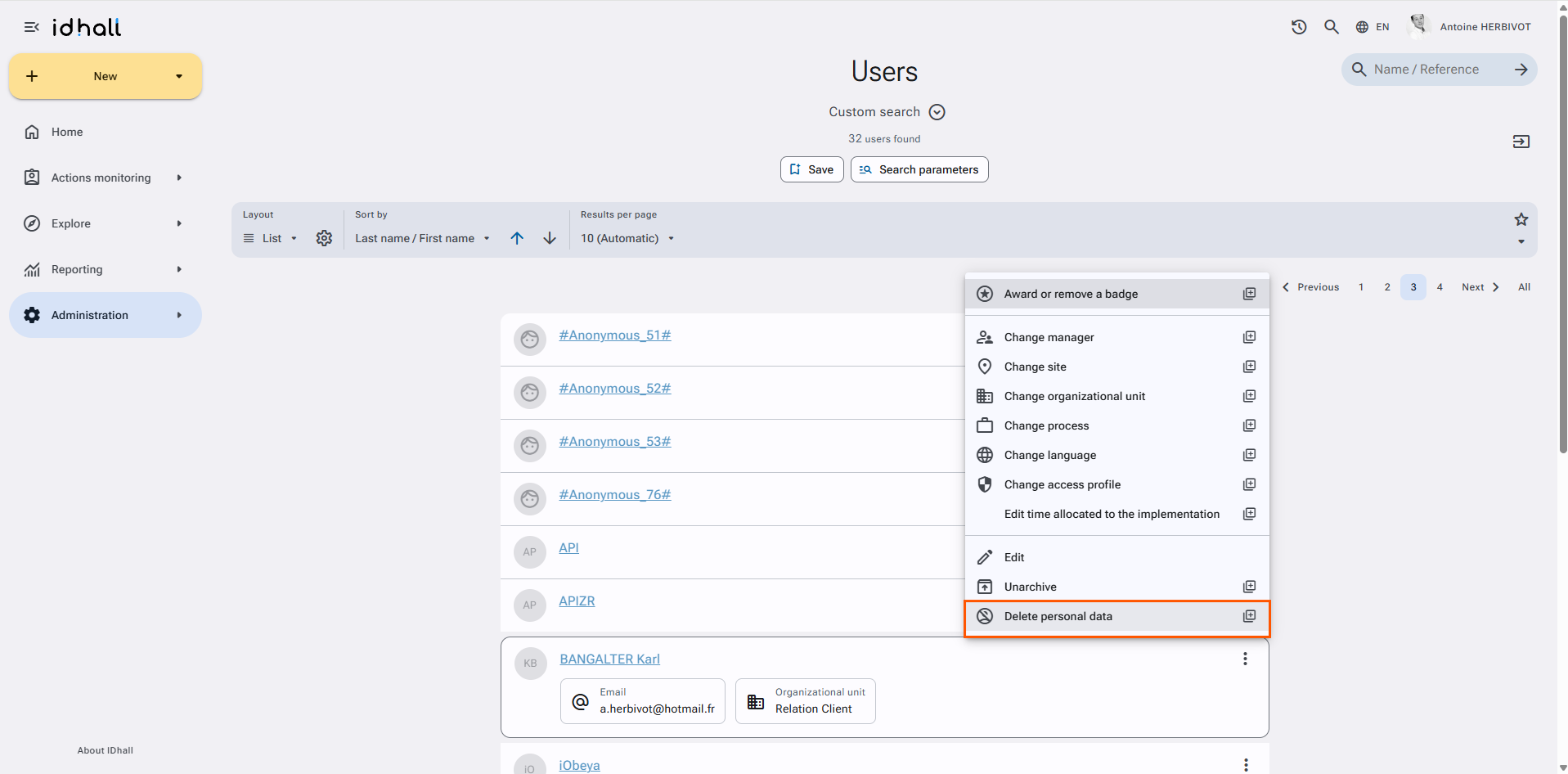
The anonymization of the user will thus be "propagated" to all operations with which he is associated in the application.
WARNING: if the user has been created via an interface (LDAP or file synchronization), he will be created again if he has not previously been deleted from your directory.