
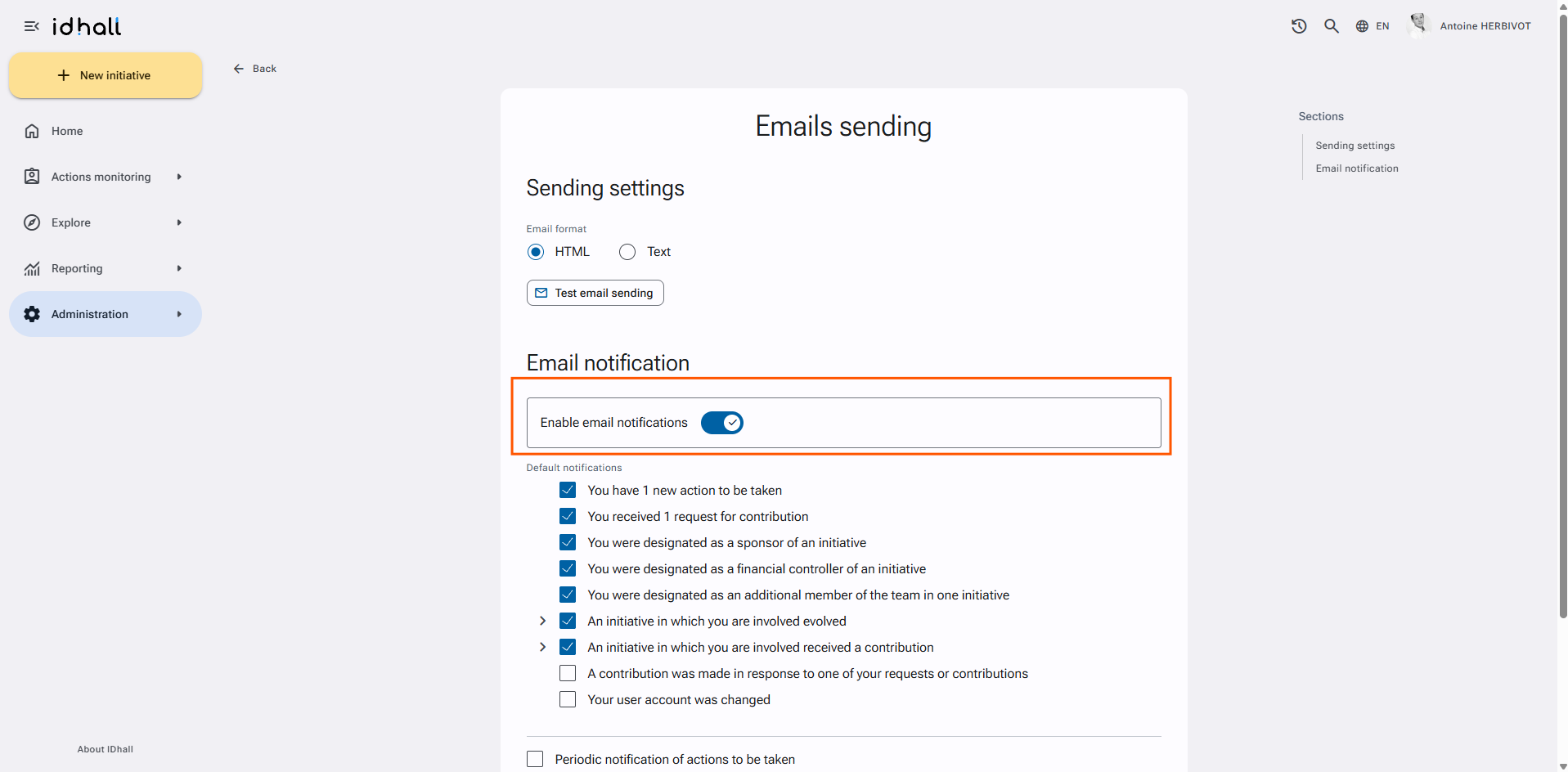
First of all, you must ensure that e-mail notifications are enabled:
- Go to Administration > Application management > Emails sending.
- In the "Email notification" section, the field "Enable email notification" needs to be activated.
- Validate the changes by clicking on the "Save" button at the bottom of the form.
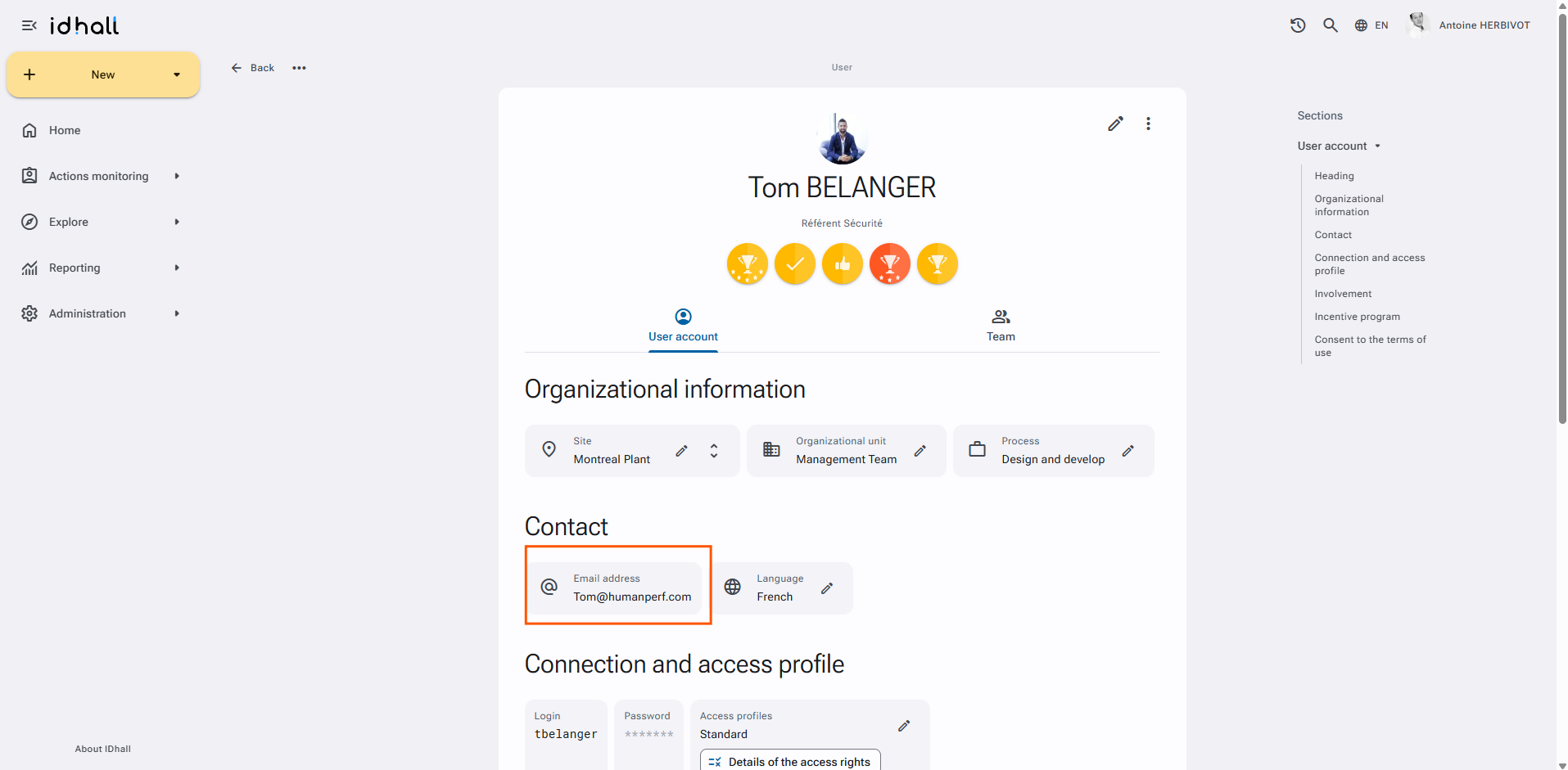
If it is an isolated problem, check that the email address is correct:
- Go to Administration > Users & Access Profiles > Users.
- Select the appropriate profile and ensure that the associated email address is correct.
If the email address is correct, it could be that email notifications are disabled in the user's preferences:
- Click on your name at the top of the application (or ask the concerned user to do so).
- Click on "My account".
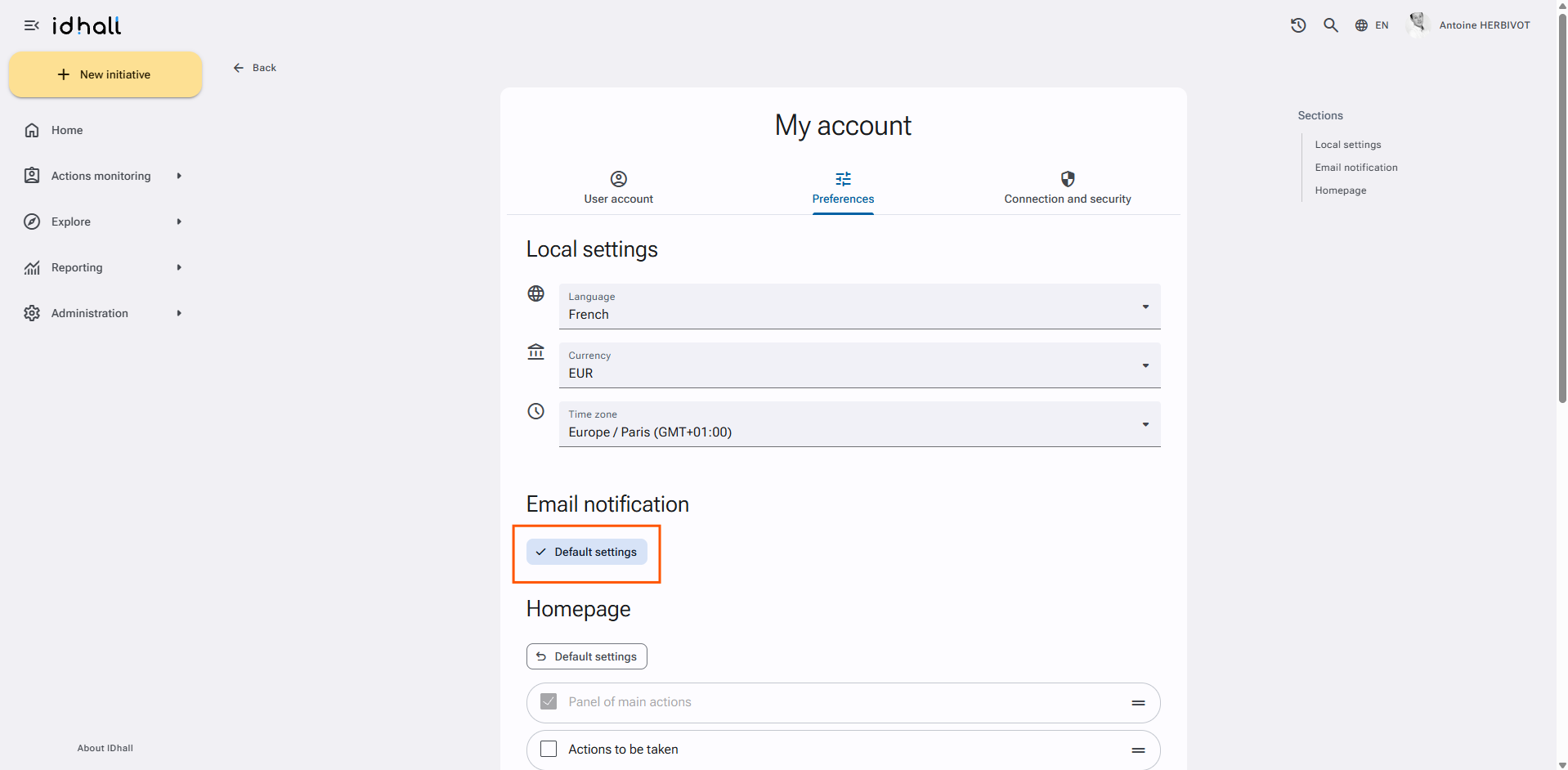
- For the "Email notification" section, you can check the "Use default configuration" option or
- Check that the email notifications are correctly ticked.
- Validate the changes by clicking on the "Save" button at the bottom of the form.
Another possible reason could be that emails are considered as spam. If it is the case, it is necessary to ensure that the sender of the emails (mail-sender@idhall.com) is not blocked or identified as spam.
If the problem is new because you were receiving emails before, you probably need to check the antispam side. Has a new anti-spam software been installed? Has the anti-spam policy changed?
Another case is possible:
IDhall will not send an email if the user who initiated the action and its approver are the same person.