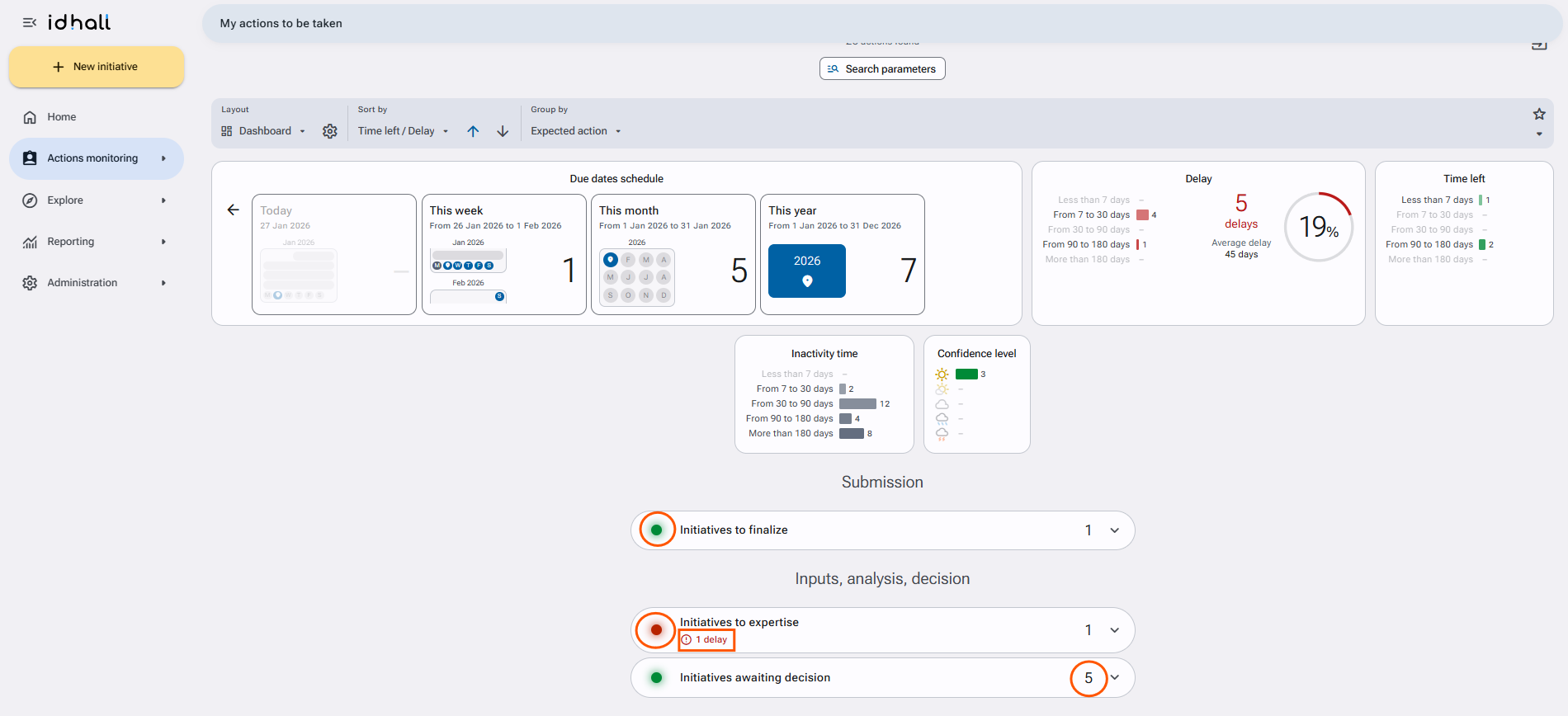
Each action group has a red to green indicator light. When at least one action is late, the indicator turns red.
In an "Implementation" type group, the indicator is based on the lowest confidence level detected (if at least one action is late, the indicator is always red regardless of the existing confidence levels).
Under the titles of the types of actions, we find:
- The number of overdue actions if applicable,
- The lowest confidence level detected and the number of corresponding actions (for implementation actions)
- The number of actions displayed on the right
- The expansion icon, (besides the number of actions) that will allow the display of the detailed list of corresponding actions, as well as the retated statistics.