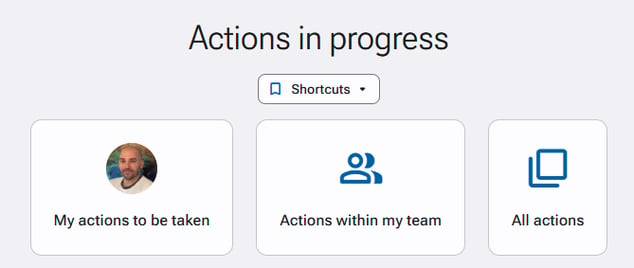
You can view the various ongoing actions through the "Actions monitoring" section of your application.
-
Generally, a standard user only sees the actions they need to carry out.
-
If a user is designated as a manager of other users, they will also see the actions within their team via the "Actions within my team" section.
-
If the user, through one of their access profiles, has the required visibility right*, they can see all actions to be taken related to the initiatives they have access to via the "All actions" section.
Required permission: Action monitoring > All actions from any user