In IDhall, you can automatically track the original entity associated with an initiative’s author (Administration > Initiative Management > Initiative Management Settings).
If a user changes their original entity (site, organizational unit, or process), you can apply this change to the initiatives they have already created.
To update this information:
-
Open the user’s profile and click Edit.
-
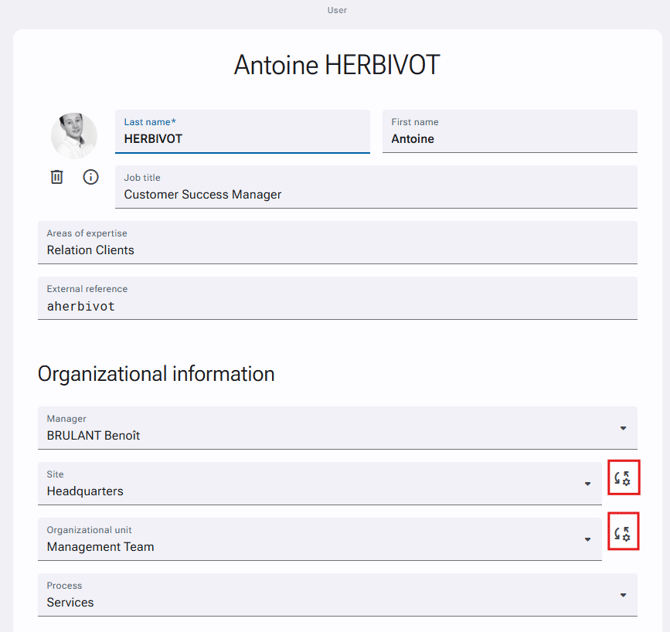
On the line of the entity you want to adjust, click the Options button.
-
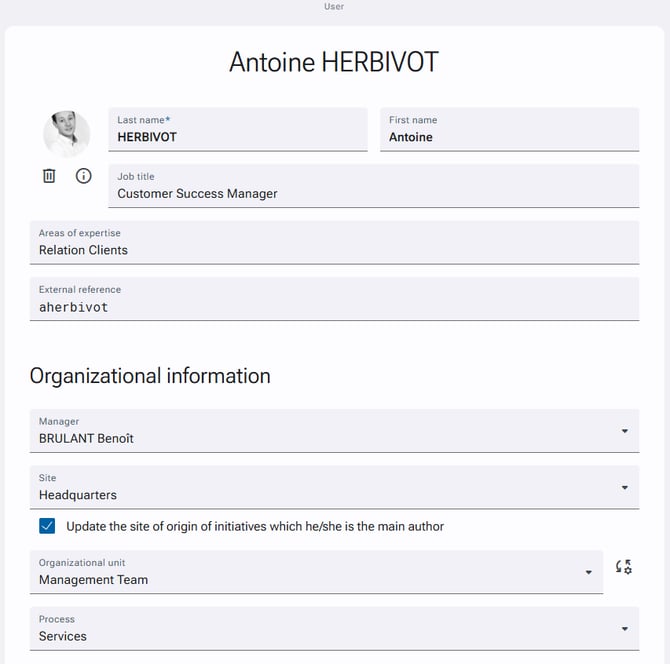
Select Update the Site/Organizational unit/Process of origin which he/she is the main author.
-
Save your changes.