
To search for a user based on whether or not there is an email address, job title and/or external reference
- Go to Administration > Users & Access profiles > Users.
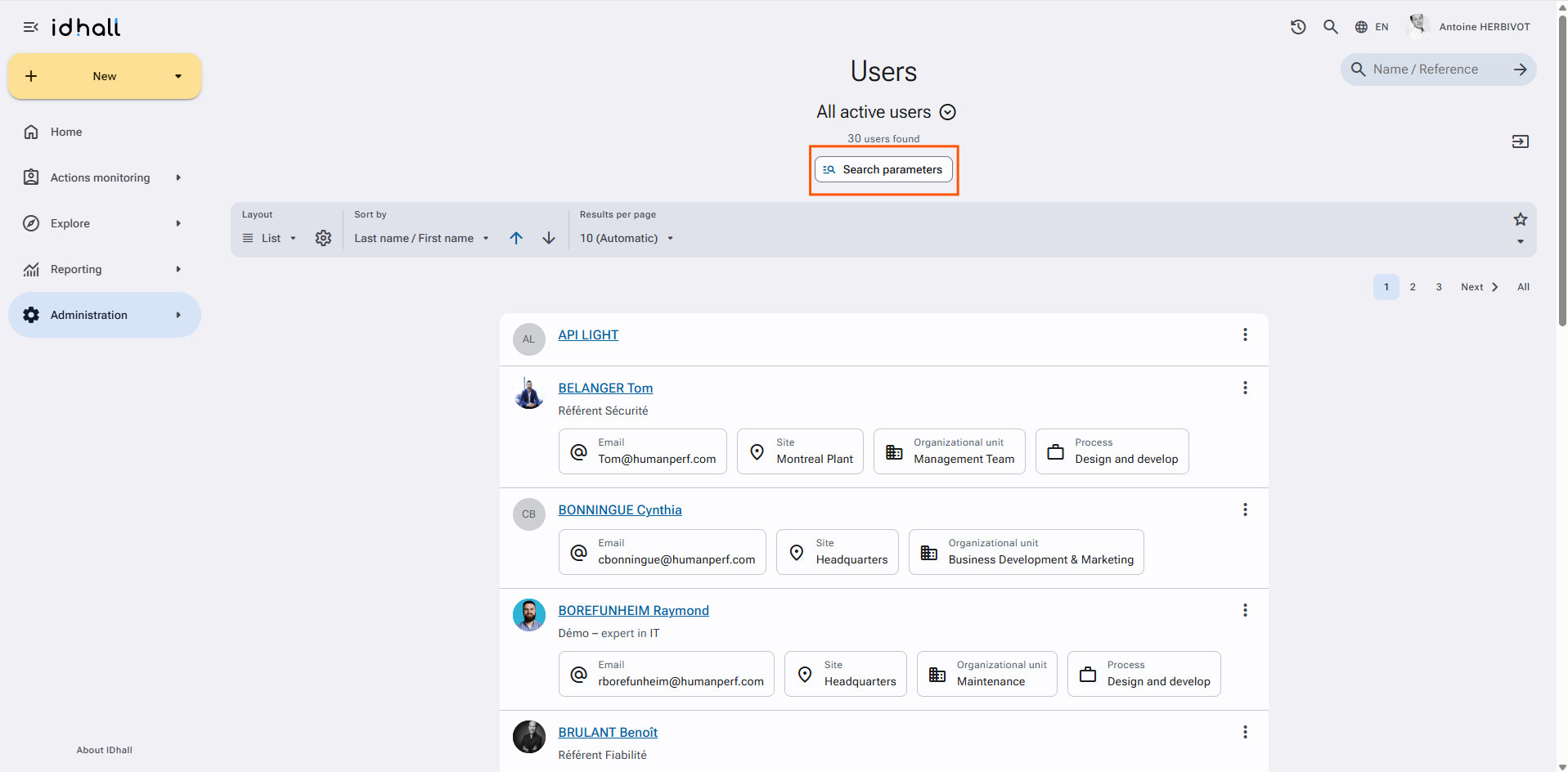
- Click on "Search parameters".
- Select the filters you want to add.
- Expand the filters via the rafter on the right to select the desired value.
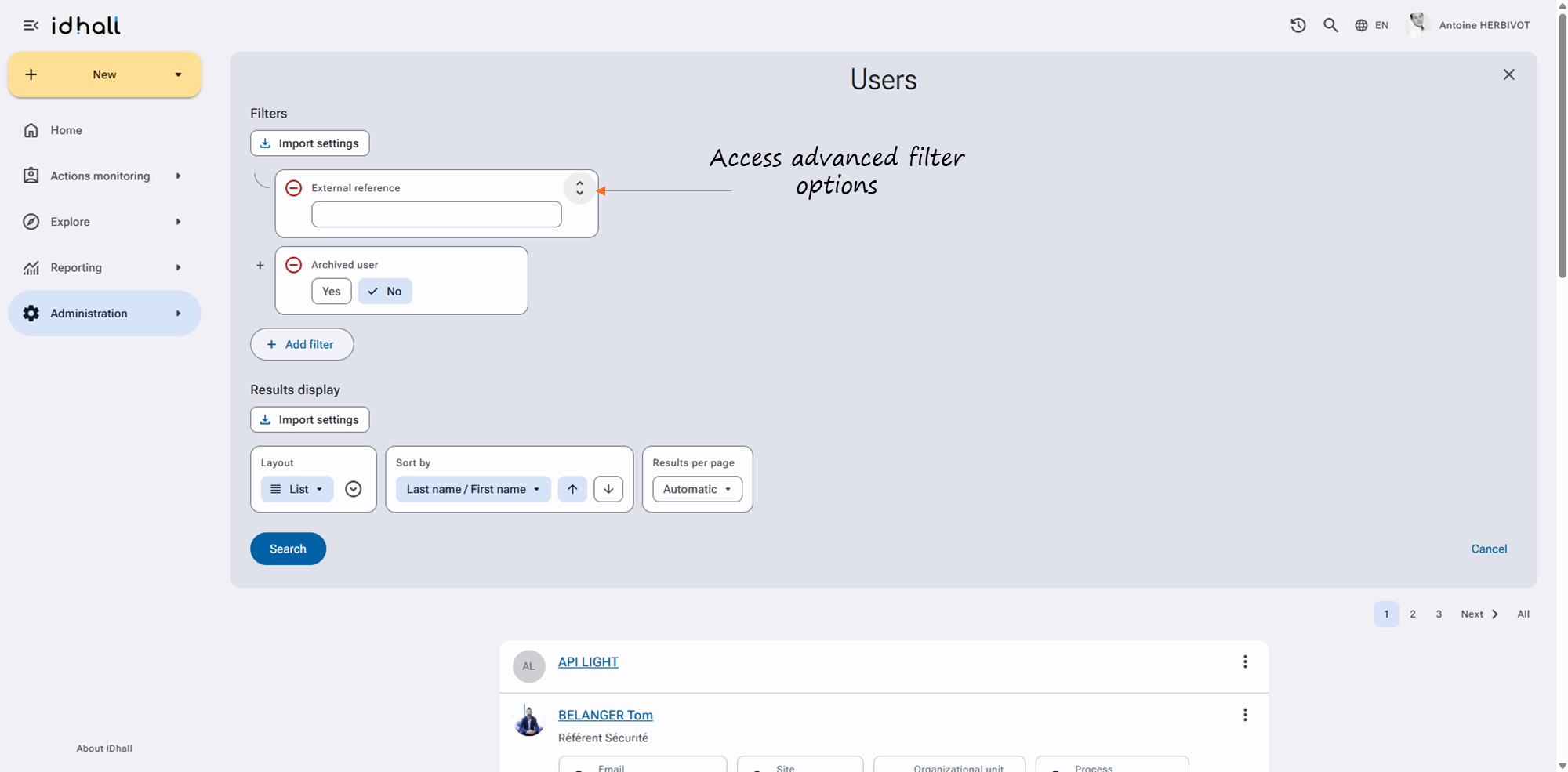
- Start the search by clicking on the "Search" button.