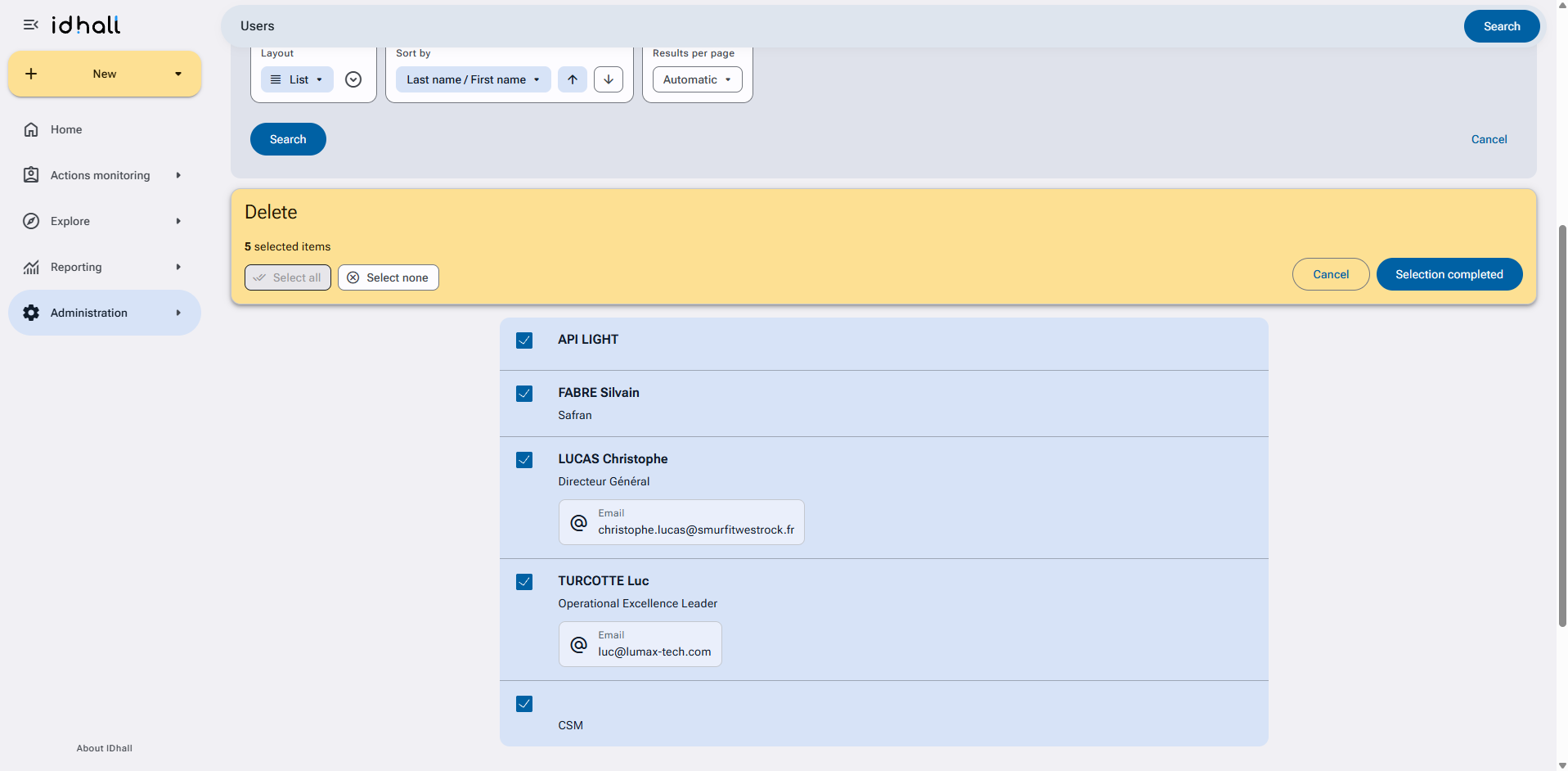
You may possibly need to find users whose removal is possible within your platform; that is all those who are not associated with any operation or role in the application*.
Warning, a user logging in every day to view initiatives, dashboards or reporting but who is not directly involved in any initiative would be considered as a user whose deletion is possible.
To identify and delete users whose deletion is possible
- Go to the Administration > Users & Access profiles > Users.
- Click on "Search settings..." at the top of the page to access the different user search elements.
- In "Add a filter" select the "Deletion possible".
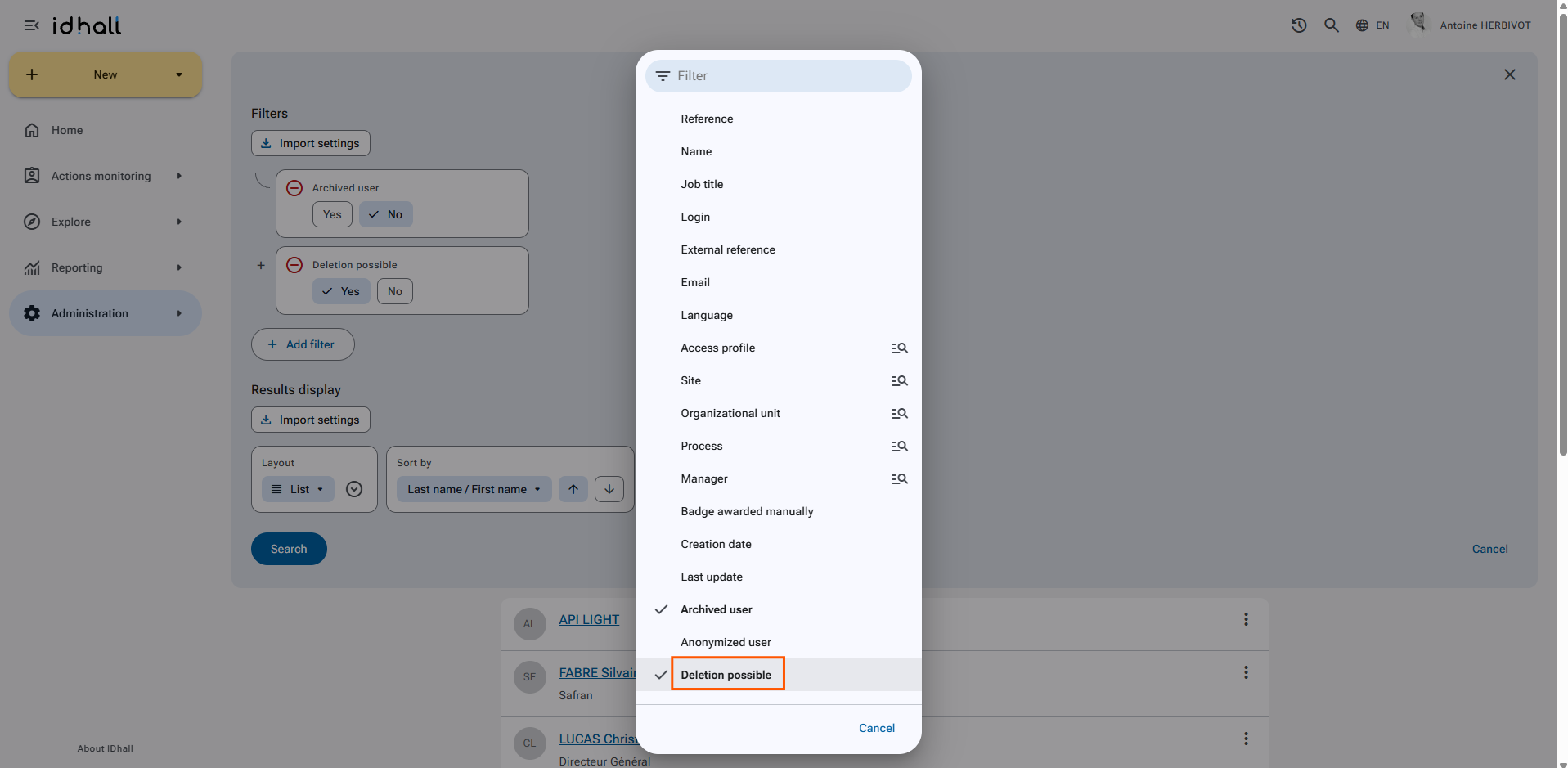
- Click on the "Search" button.
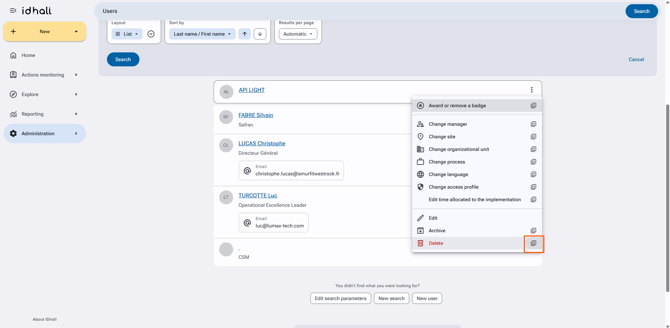
- In the action buttons available on the right of the first user of the list, select the plus sign beside "Delete" .
- Press "Select all", then "selection completed" and finally click on "Delete".