External references are usually used when synchronising users in order to create them from a csv file. When creating users manually, external references are not mandatory. When a synchronisation is made, it is sometimes useful to check if you have users missing their external reference number in order to avoid creating the same user twice.
To search for users without external reference
- Go to Administration > Users & Access profiles > Users.
- Click on "Search parameters".
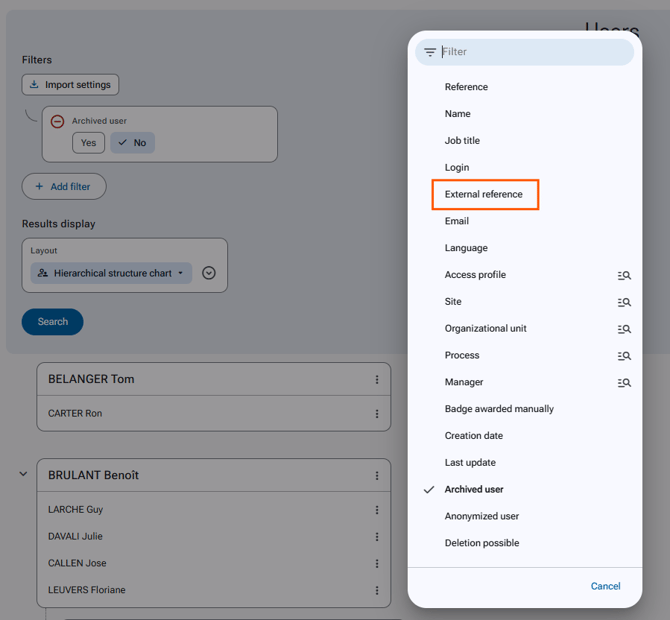
- Click on "Add a filter" then select "External reference".
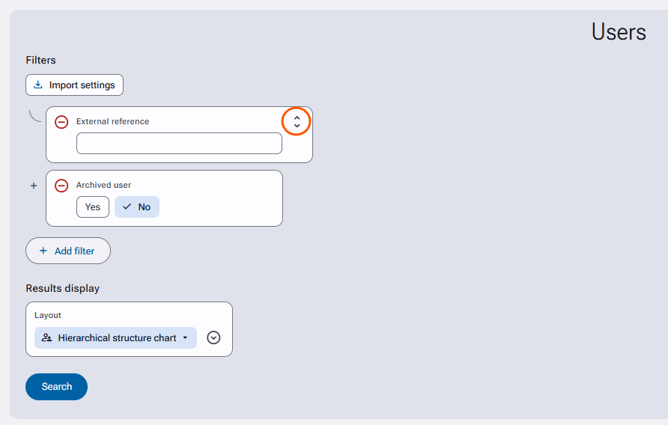
- Deploy the options by clicking on the arrow on the right or on the filter title.
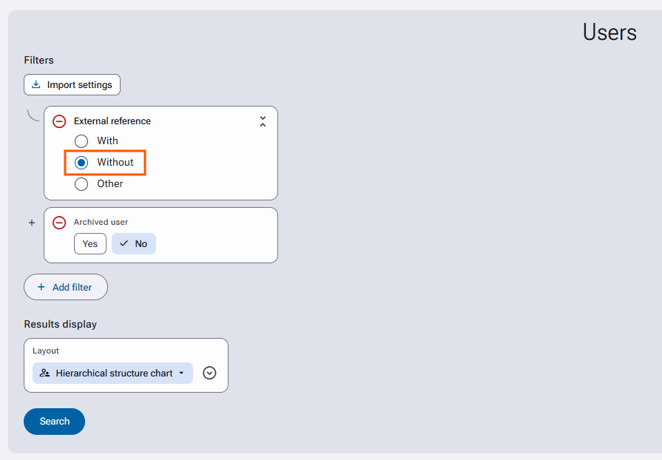
- Select "Without".
- Click on "Search" to start the search.