
To allow users to receive a new password from the authentication page
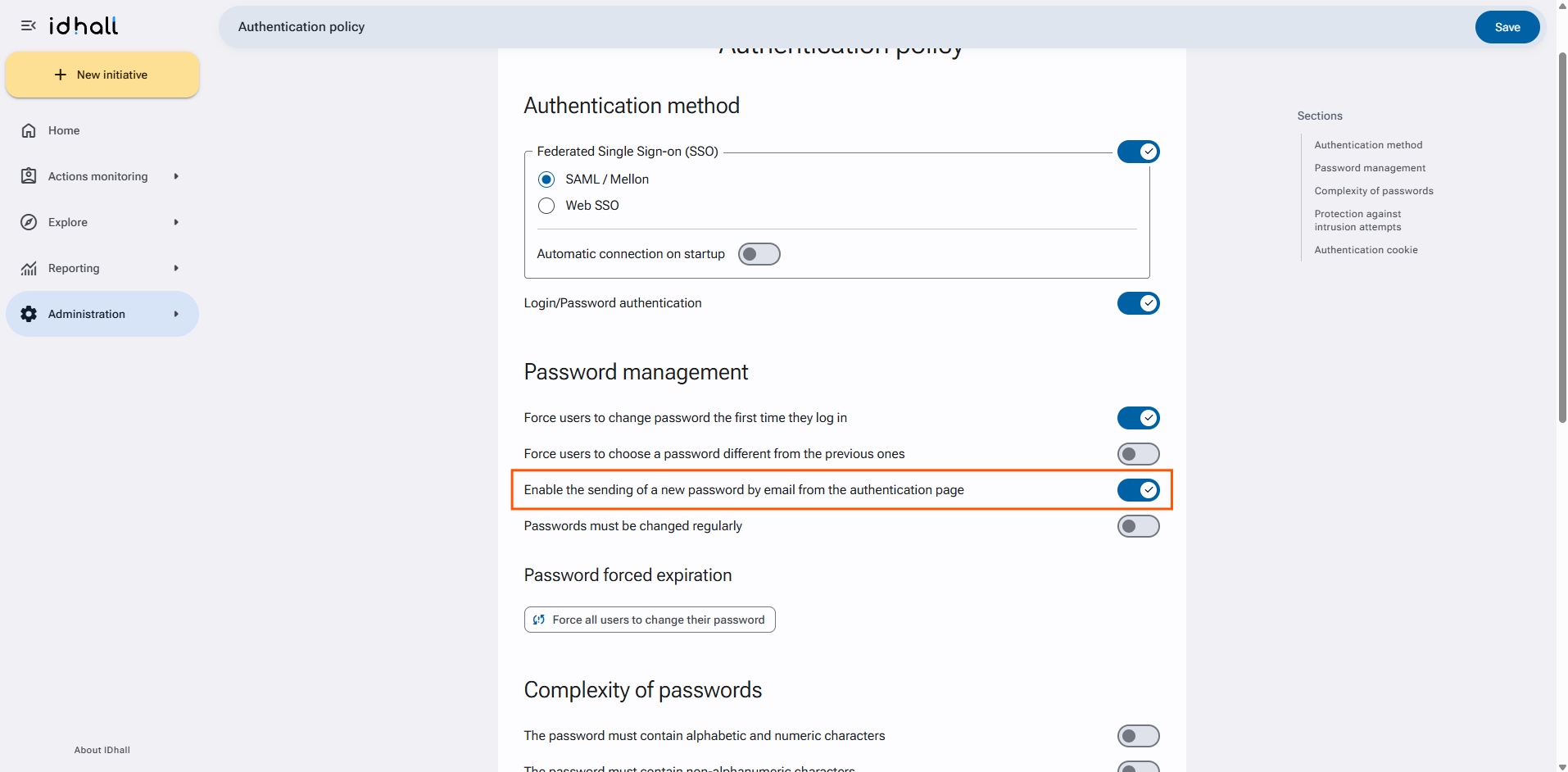
- Go to the Administration > Application connection > Authentication policy page.
- In the "Password Management" section, activate the setting "Enable the sending of a new password by email from the authentication page".
- Click on "Save" at the bottom of the page.
A "Receive a new password" link is now available at the bottom of the authentication page.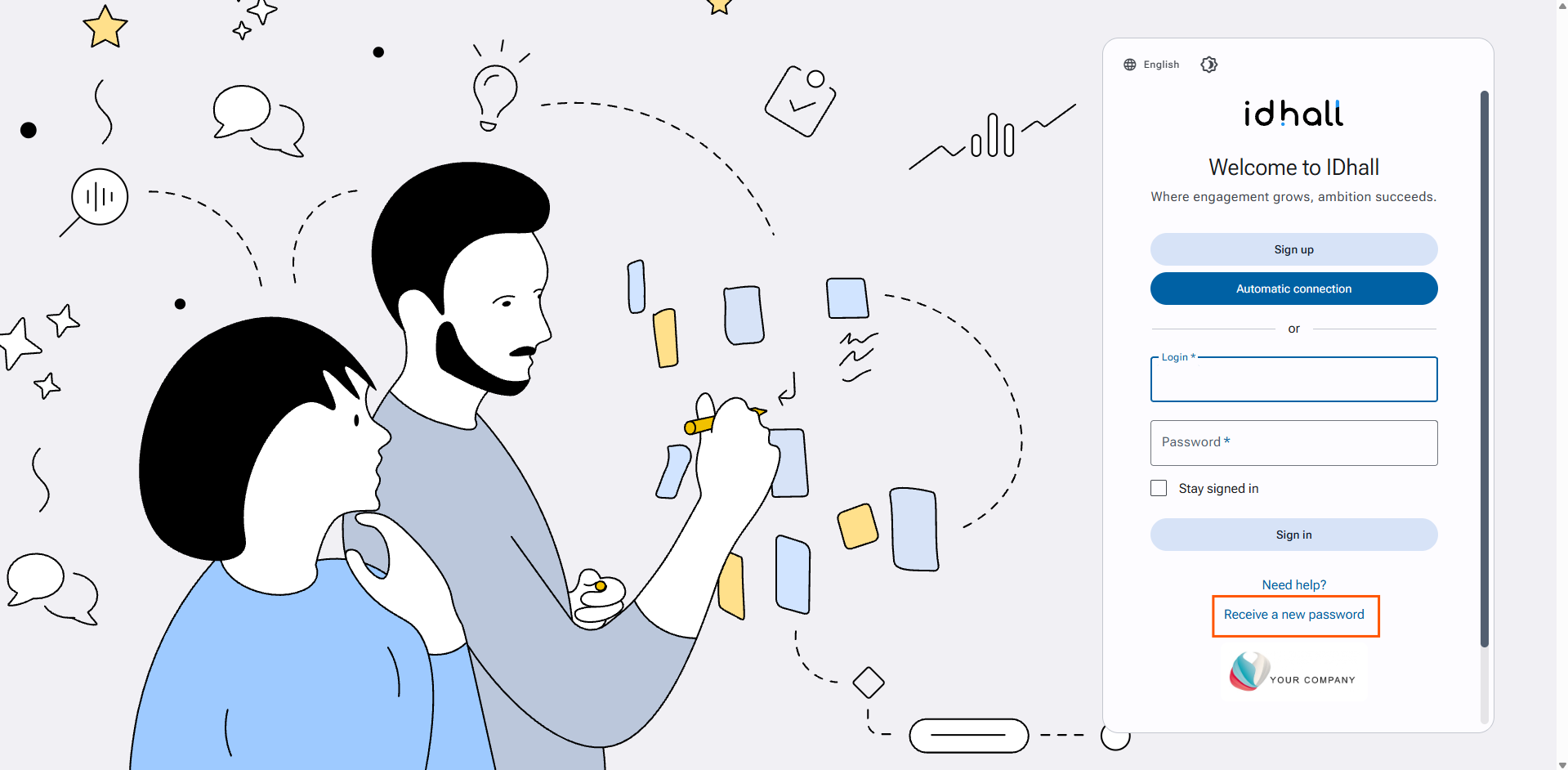
The user's login is required to request a password.
The activation of email notifications is mandatory to allow this action.