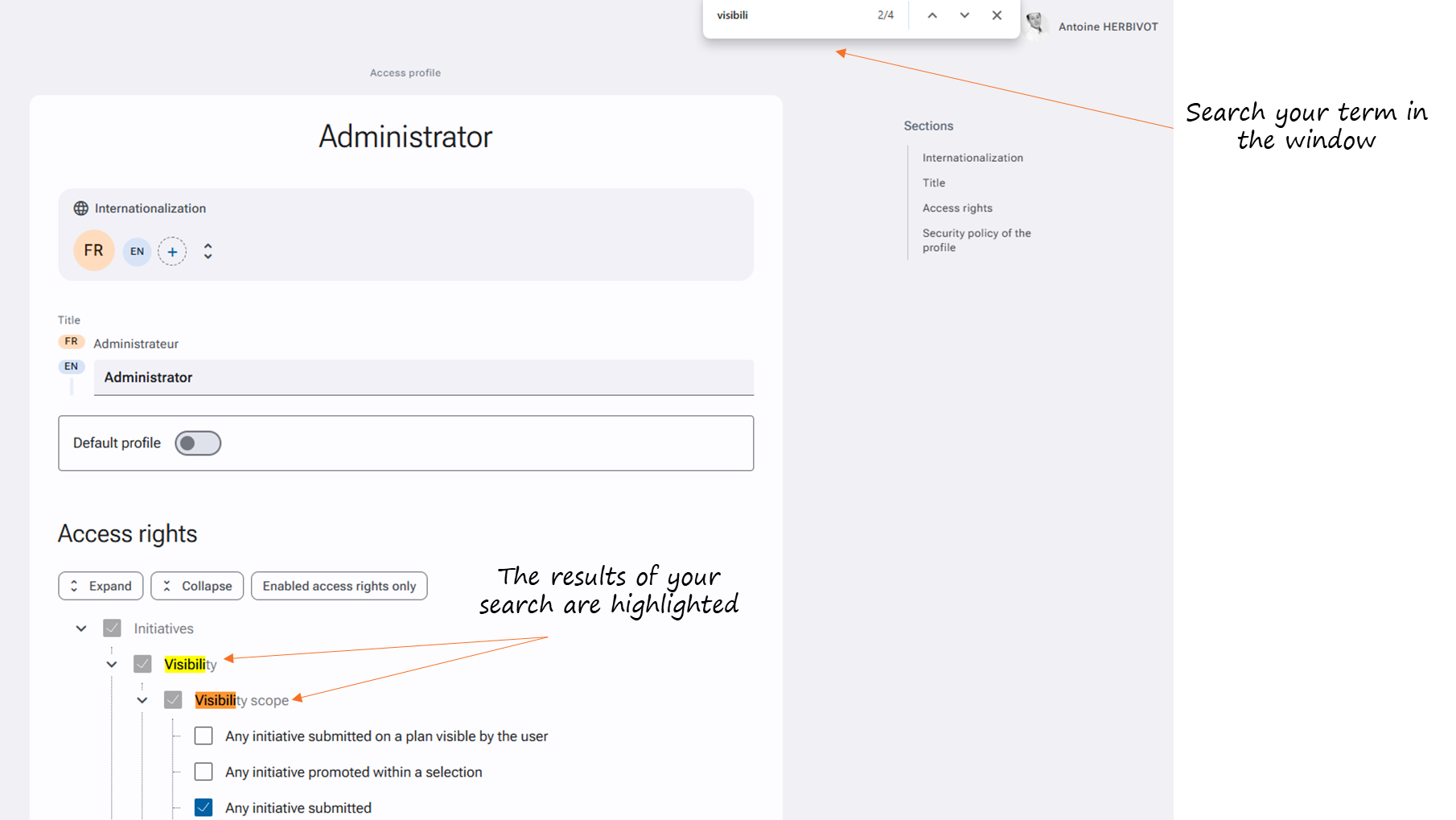
The [CTRL + F] command can save you valuable time, as it allows you to perform a quick search on your current page. To perform this command, just press the CTRL and F (= find) keys at the same time; a window opens where you can enter your search term. Press "Enter" to start the search.
This command can be particularly useful when searching for access rights for example: