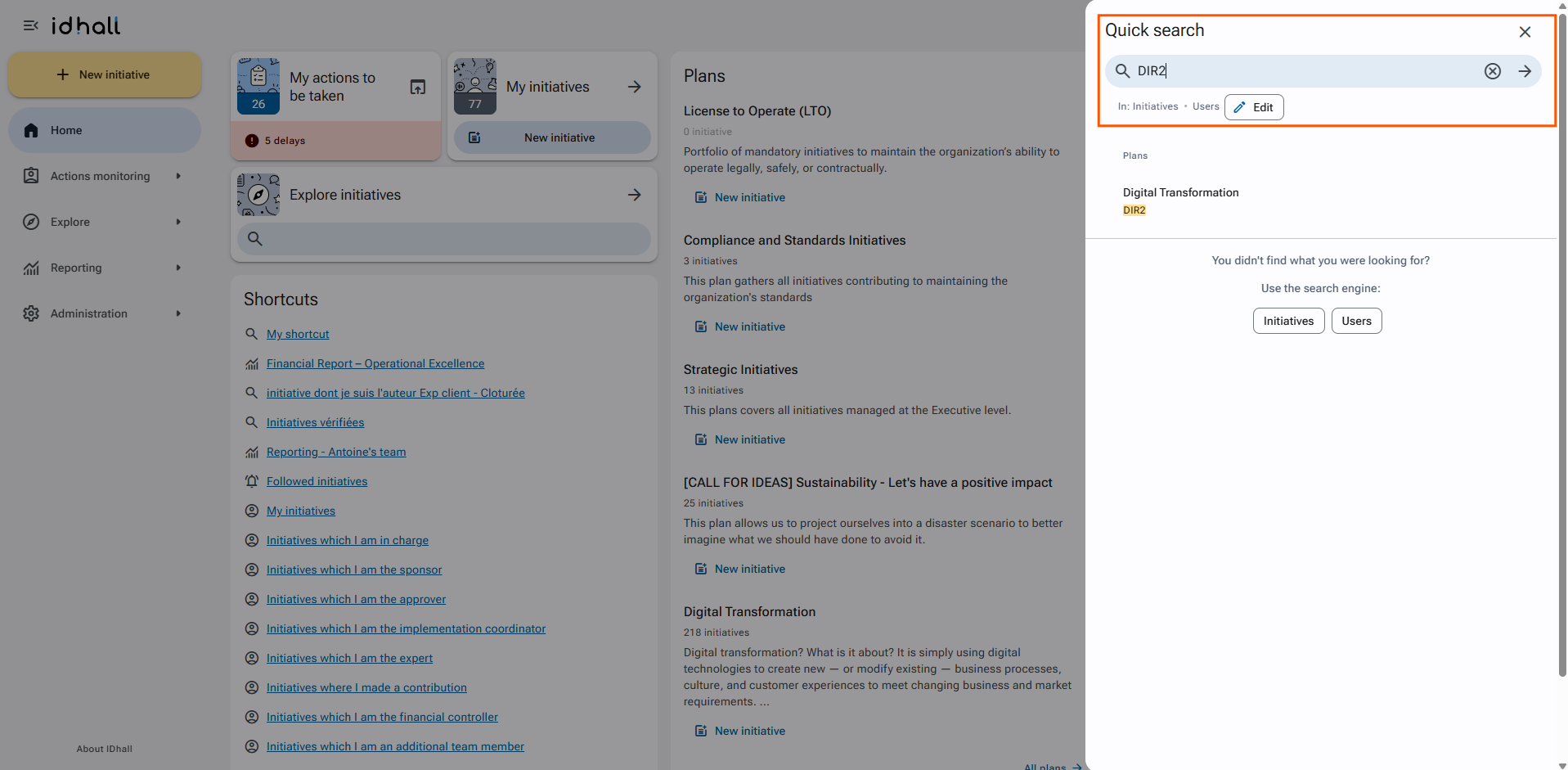
Quick searches can easily be done using the reference number of an item. Every created initiative, plan or user gets an automatic reference number with a prefix related to its nature.
If you know the ID number, simply enter the reference, prefix included, in the quick search field: the application automatically returns the related item.
This quick search is available for all references.
For example:
- "USR3" opens the user file with the reference number 3.
- "DIR18" opens the form of the plan with the reference number 18.
- "ID5" opens the form of the initiative with the reference number 5.
The use of prefixes such as USR, DIR or ID allows the search to be performed very quickly as there is no need to define the search perimeter