
It is possible to display in the "Actions monitoring" tab the due dates schedule, i.e. all the actions to be carried out in the following days, weeks, months or years.
To display the due dates schedule
- Go to the "Actions monitoring" tab.
- In the search parameters, choose the "Dashboard" layout and activate the due dates schedule.
- Click on "Search".
The due dates schedule is as follows:
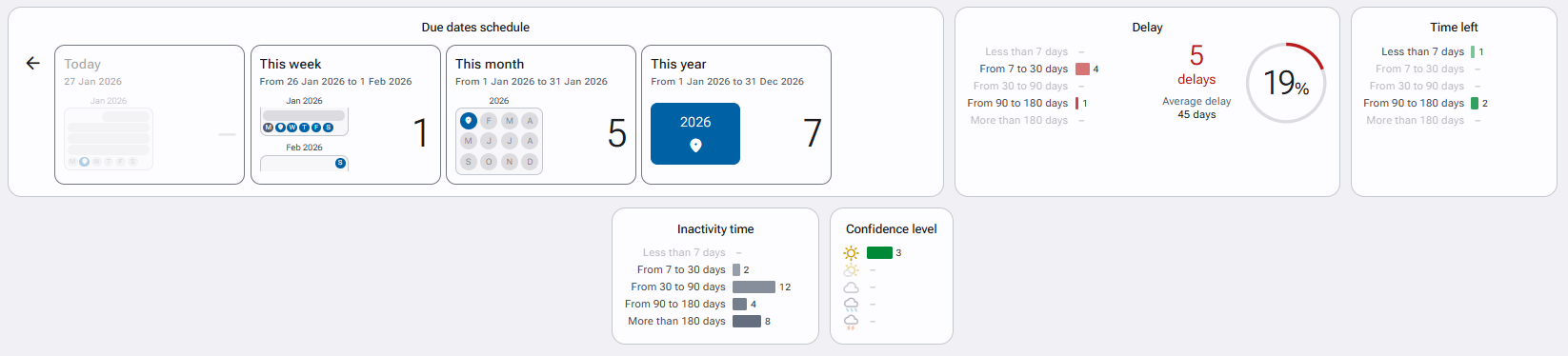
With for each period the number of actions to be performed. Click on the results to display your actions to be carried out!