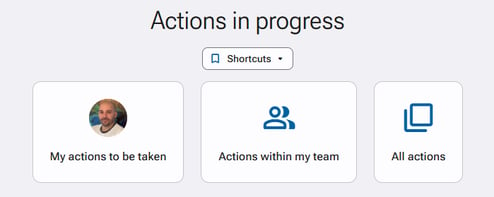
The “Action monitoring” section shows the actions you need to carry out, as well as those of your team if you are a manager.
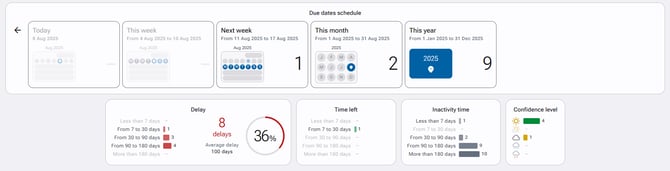
The “Actions within my team” shortcut lists the ongoing actions that depend on your team. The displayed results provide information on delays, time left, inactivity time and the confidence level of your team members in completing their initiatives.
The search engine allows you to display certain actions based on different combined criteria chosen by the user. You can also group the results by the expected action, the action category, or the person responsible.