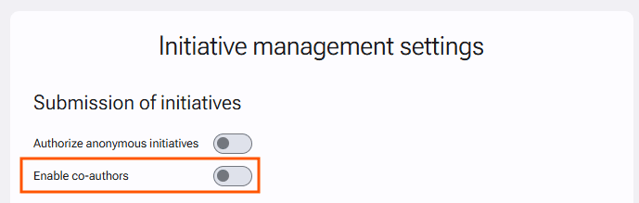
When drafting an initiative, it is possible to allow or disallow the addition of co-authors. To change this setting:
-
Go to Administration > Initiative management > Initiative management settings.
-
In the "Submission of initiatives" section, disable the "Enable co-authors" option.
-
Click "Save" at the bottom of the page.
This setting can be made specific to each plan by modifying the default configuration in the plan settings.