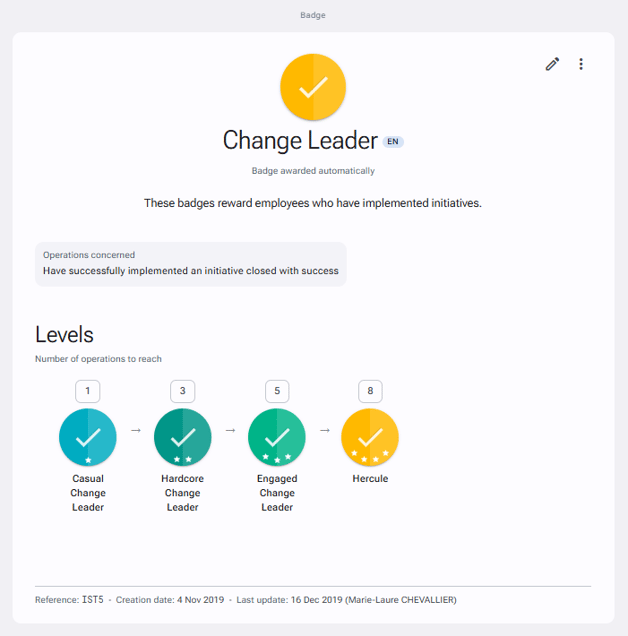
Incentive program badges allow visual identification of the points obtained by users as part of an incentive program.
To create badges in IDhall
- Go to the Administration > Incentive program > Badges page.
- Click on "New badge" in the right panel.
- Give your badge a title and a description.
- Then choose the icon, the color and the number of stars from the choices available.
- Choose the type of assignment for the badge.
- Click on "Save" at the bottom of the page.
Below is an example of badges awarded via automatic point allocation: