
It is possible to modify the team of an initiative*:
- In the form of the initiative concerned, click on "Edit team" in the "Team" section.
- Fill in the collaborators to add / remove from the initiative.
- Click on "Save" to confirm your changes.
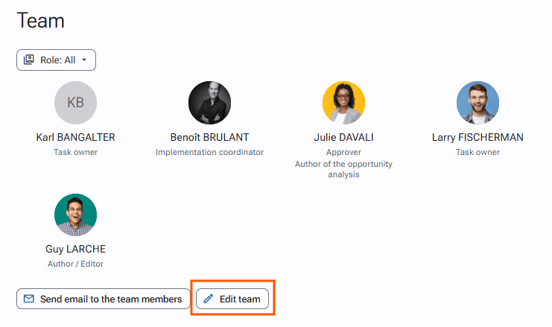
You can find the different stakeholders of the initiative in the team section.
Required rights: Initiatives > Initiative management > Edit team