
IDhall offers a powerful and complete search engine available in the "Explore" and "Action monitoring" sections. You can make very precise searches of the application via the "Add a filter" button. The search engine also includes a "Results display" section, which allows you to configure its display parameters beforehand.
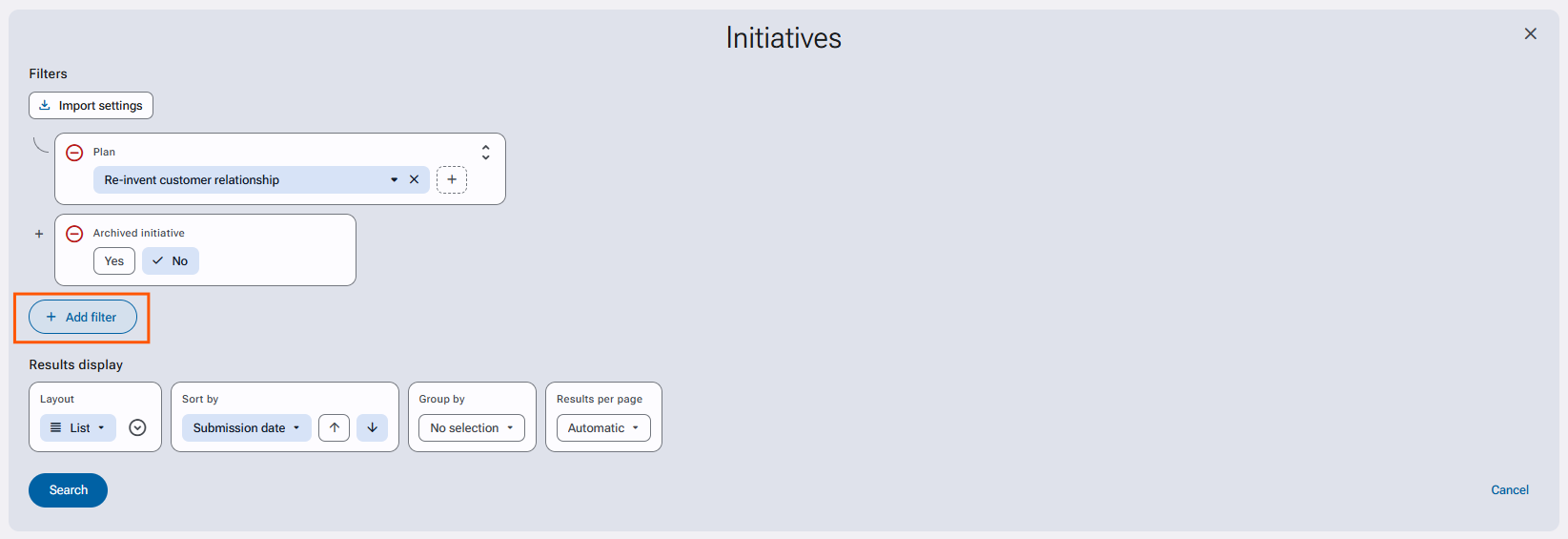
By clicking on the "Add a filter" button, all available filters are presented via a dialog box and it is possible to quickly search for a criteria using a search field.
You can also perform an advanced search by clicking the magnifier icon.
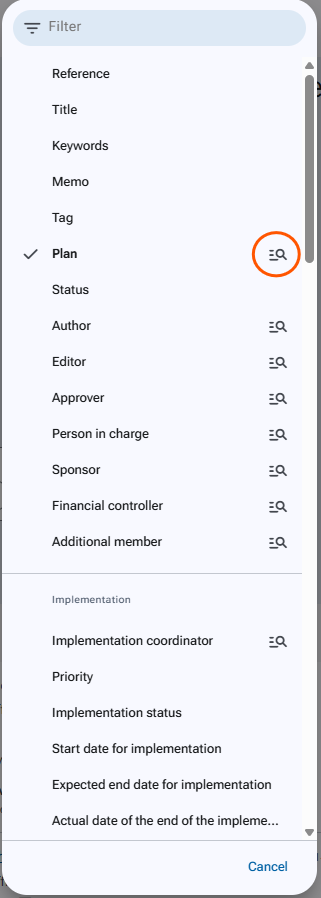
Directly click on the filter to add it to your search. It is also possible to add several filters at once by holding down the "CTRL" key on the keyboard and selecting the desired filters.
The advanced search option allows you to select specific criteria on the chosen filter.