
For the "Explore" and "Action monitoring" sections, IDhall offers you to save your display settings.
Once you are on the results page, set up your display settings according to your needs and click on the star-shaped icon at the right end of the display banner.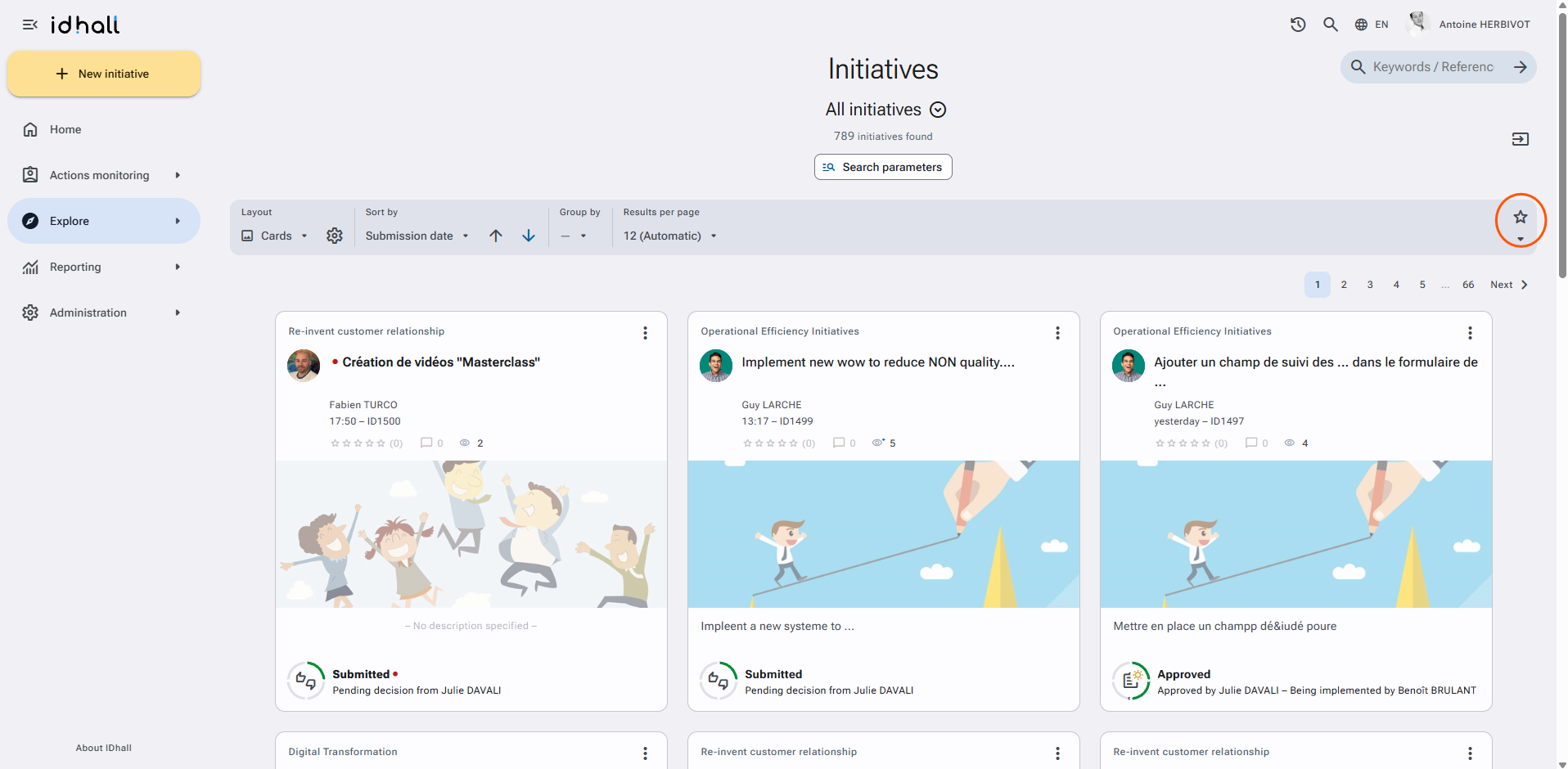
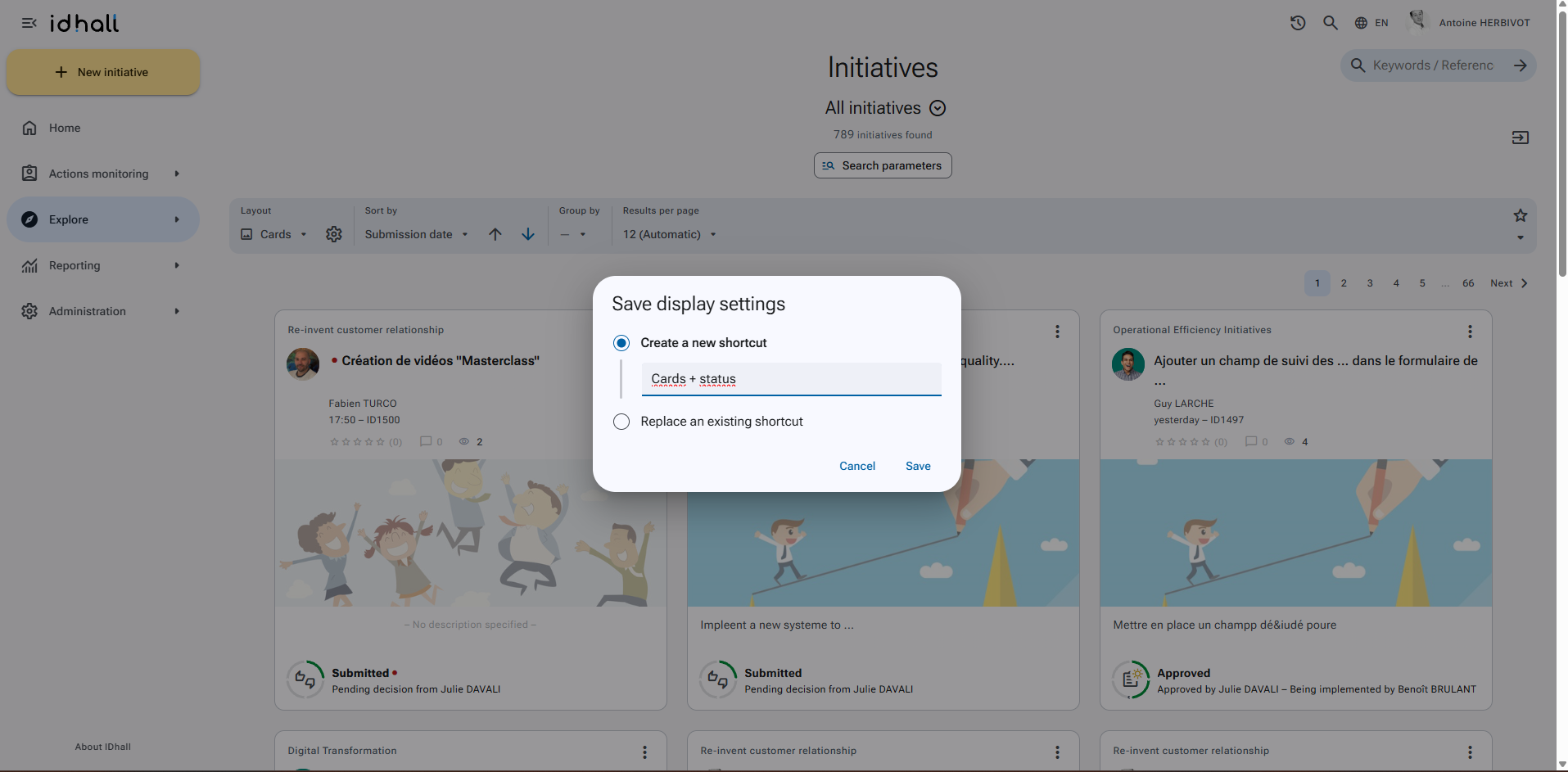
Give a name to this shortcut and click on "Save".
You can find all your display shortcuts by clicking on the arrow to the right of the star-shaped icon. The pencil icon located to the right of the title of your shortcuts allows you to modify or delete your shortcut.
If the icon represents a filled star, it means that the current display settings have already been saved.