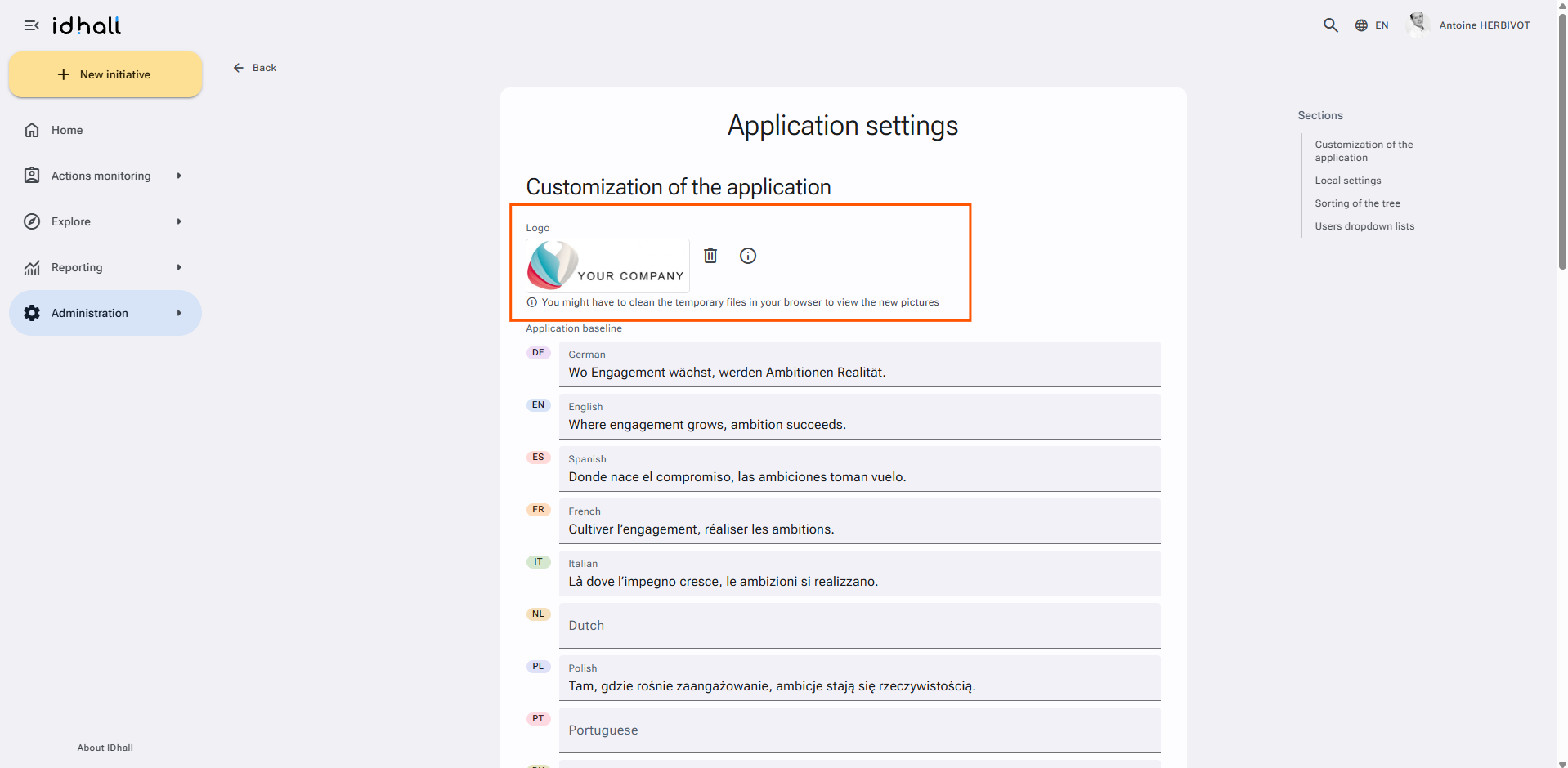
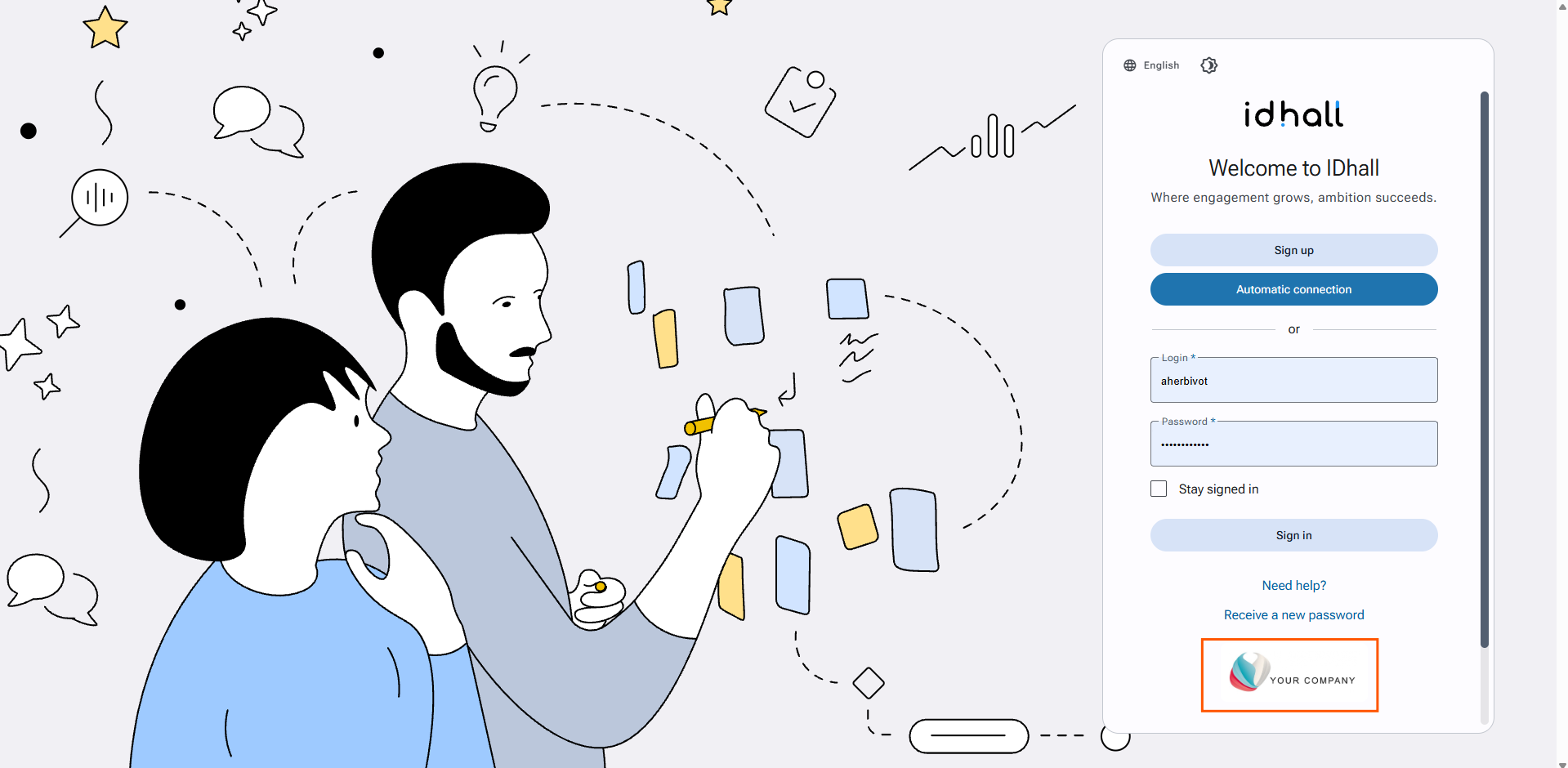
The logo of your company or approach can be added to the login page.
It must comply with the following conditions:
- Authorized file formats: GIF, JPEG, PNG, BMP
- Maximum authorized size: 6 MB
To change the logo in your environment:
- Go to Administration > Application management > Application settings.
- In the "Logo" section, click on the current logo.
- Select the replacement logo.
- Click on "Save" at the bottom of the page
If you want the logo to appear on every page once connected, this should be dealt technically on our side, in the layout of the pages. In order to do so, please contact your contact person at Humanperf Software.