
To facilitate selection from users dropdown lists: data such as job title, site, organizational unit and/or process can be added as additional information at the level of the users dropdown list items.
Results can as well be prefiltered of the dropdown list by default according to the user's organizational information.
Add information to user drop-down lists
- Go to Administration > Application management > Application settings page.
- For the "User dropdown lists" section, select the settings to be displayed*.
- Use the horizontal bands to the right of the information to change their display order.
- Click "Save" at the bottom of the page.
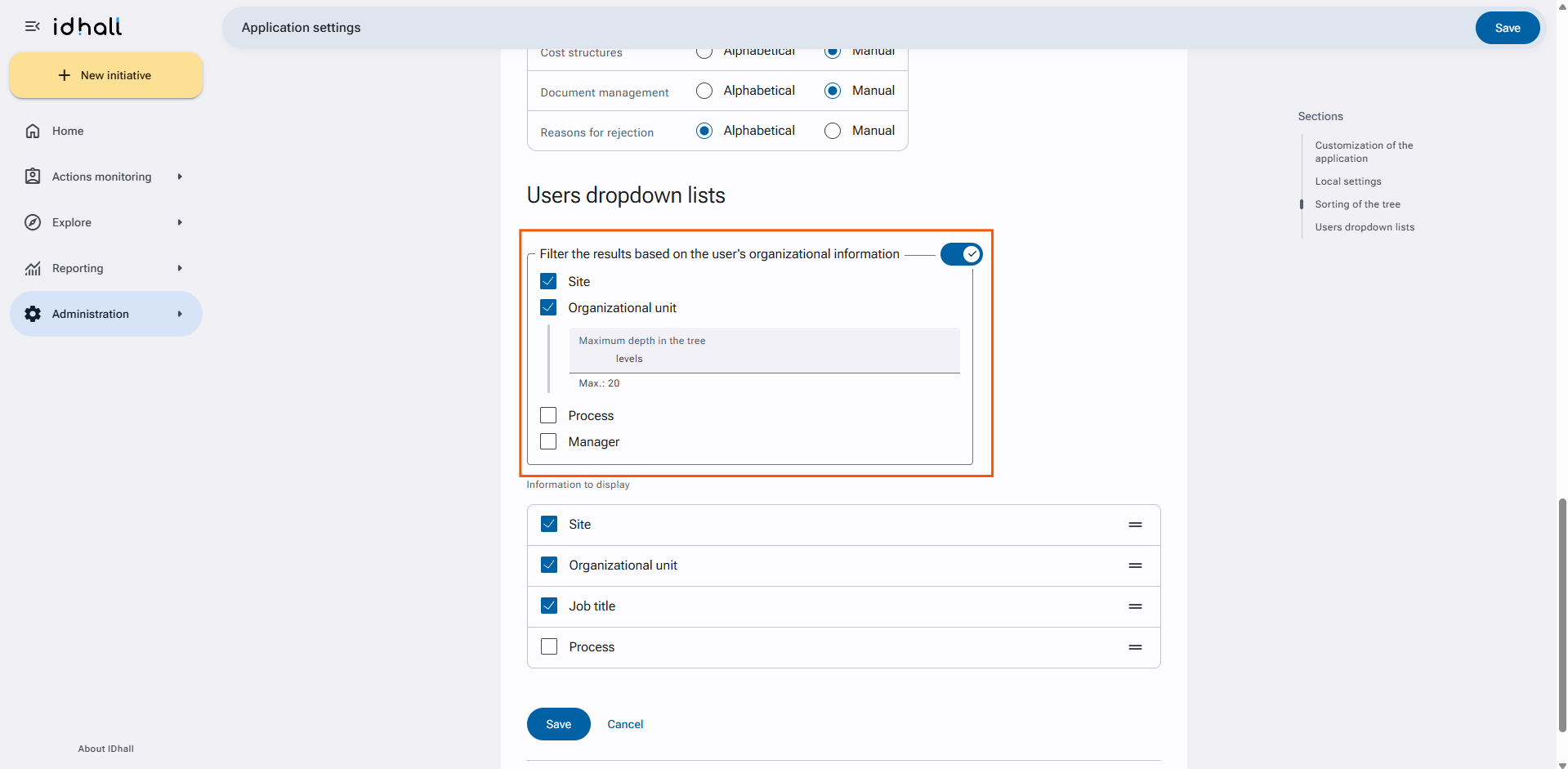
Required right: Application management > Application settings > Users dropdown lists.