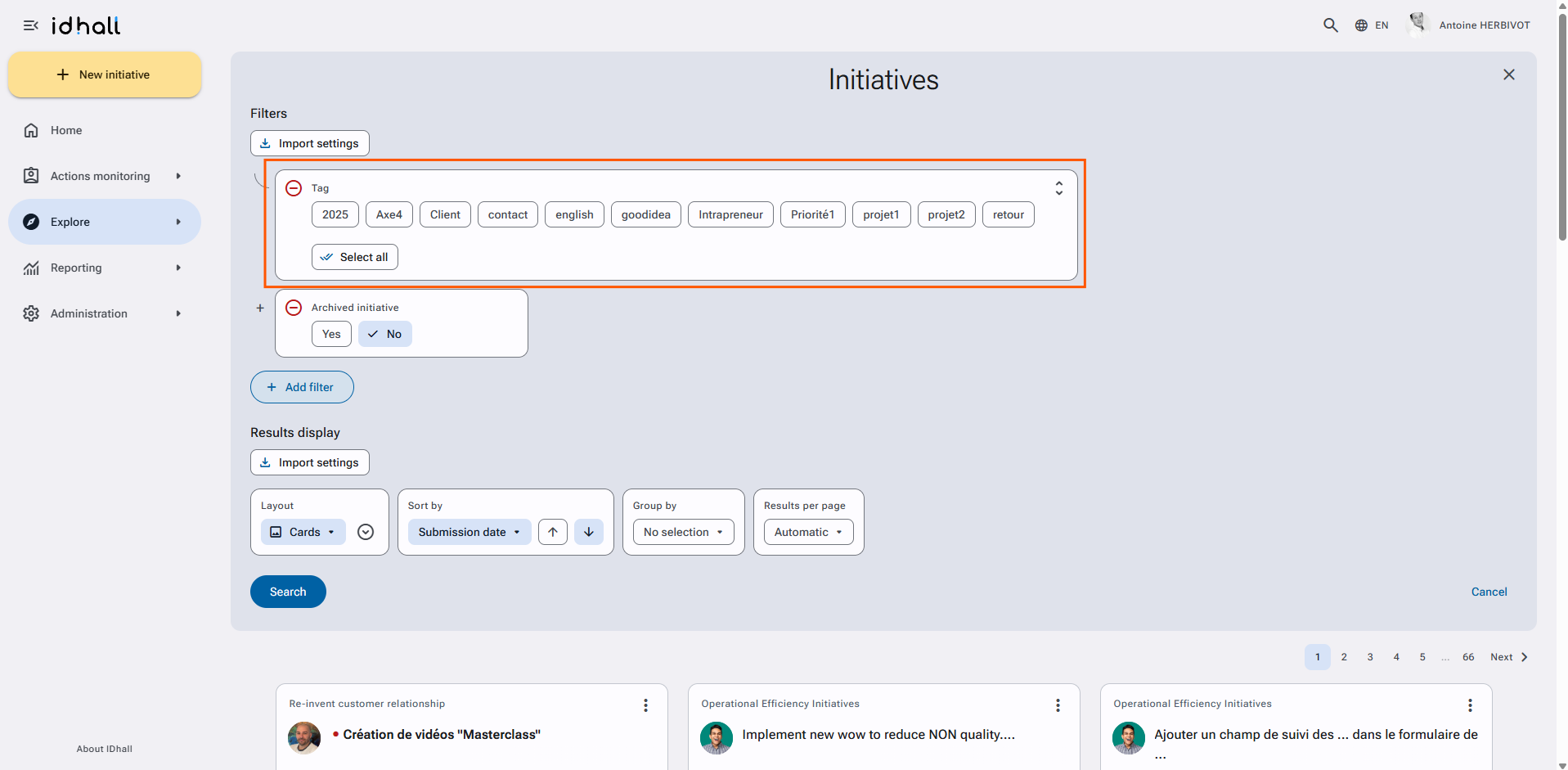
To find the list of tags you have assigned
- Go to the "Explore" tab of the application.
- Click on "Search settings".
- Click on "Add a filter" and add the filter "Tags".
The list of tags will appear in the search values.
Reminder : tags are personal and will only be seen by the user who created them, you cannot share tags. The tag filter will only appear if at least one tag is already assigned to an initiative.