
The "Search" right only allows users to perform advanced searches on the corresponding items. The new "Explore" right, on the other hand, only adds an entry to the "Explore" menu for the targeted items. This enables users to perform advanced searches on specific items without cluttering their "Explore" menu.
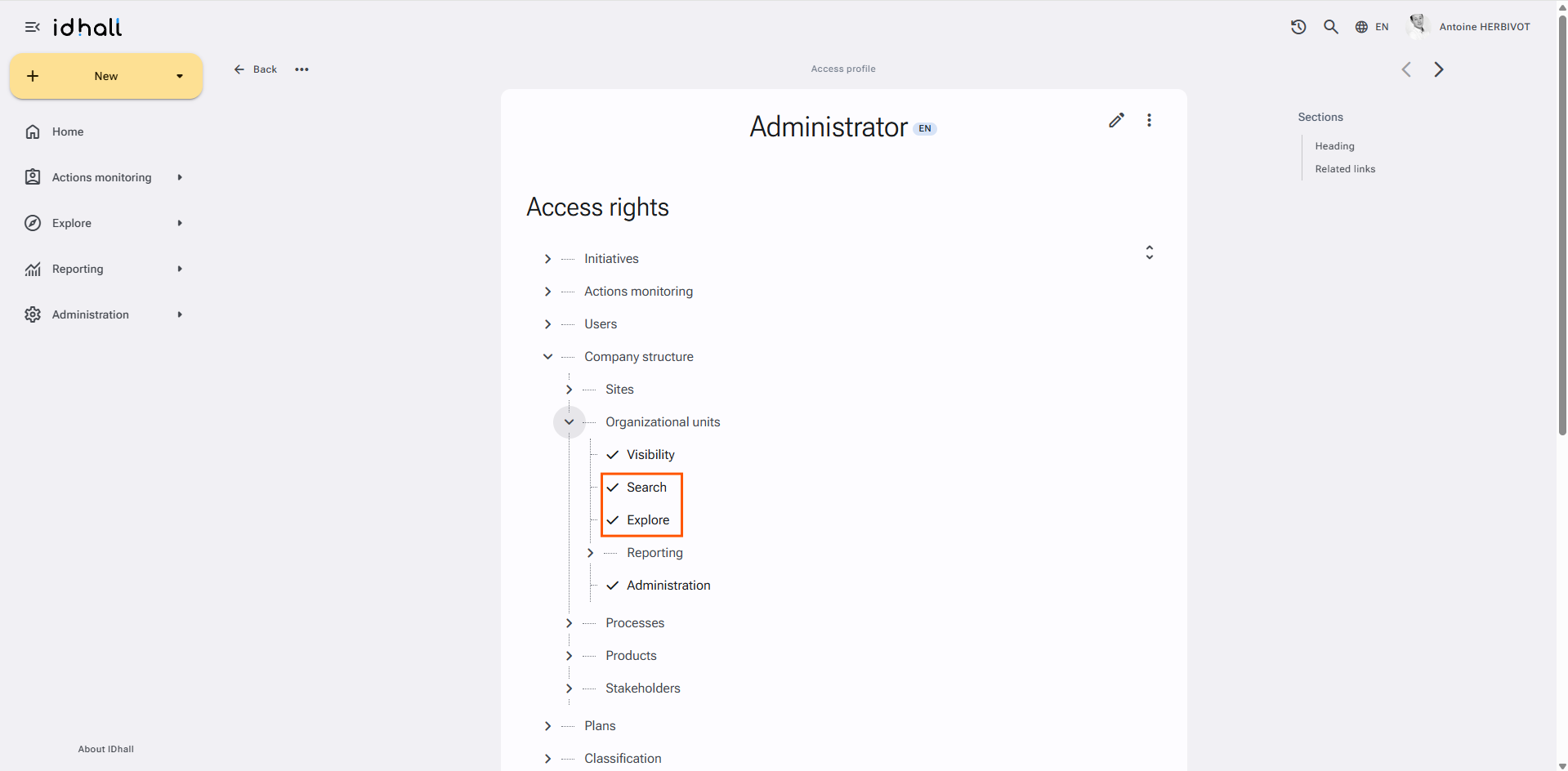
Similarly, users can now be granted access to explore certain items (such as users, plans [plans Module], etc.) without giving them the ability to perform searches on those items (by not assigning the corresponding "Search" right).
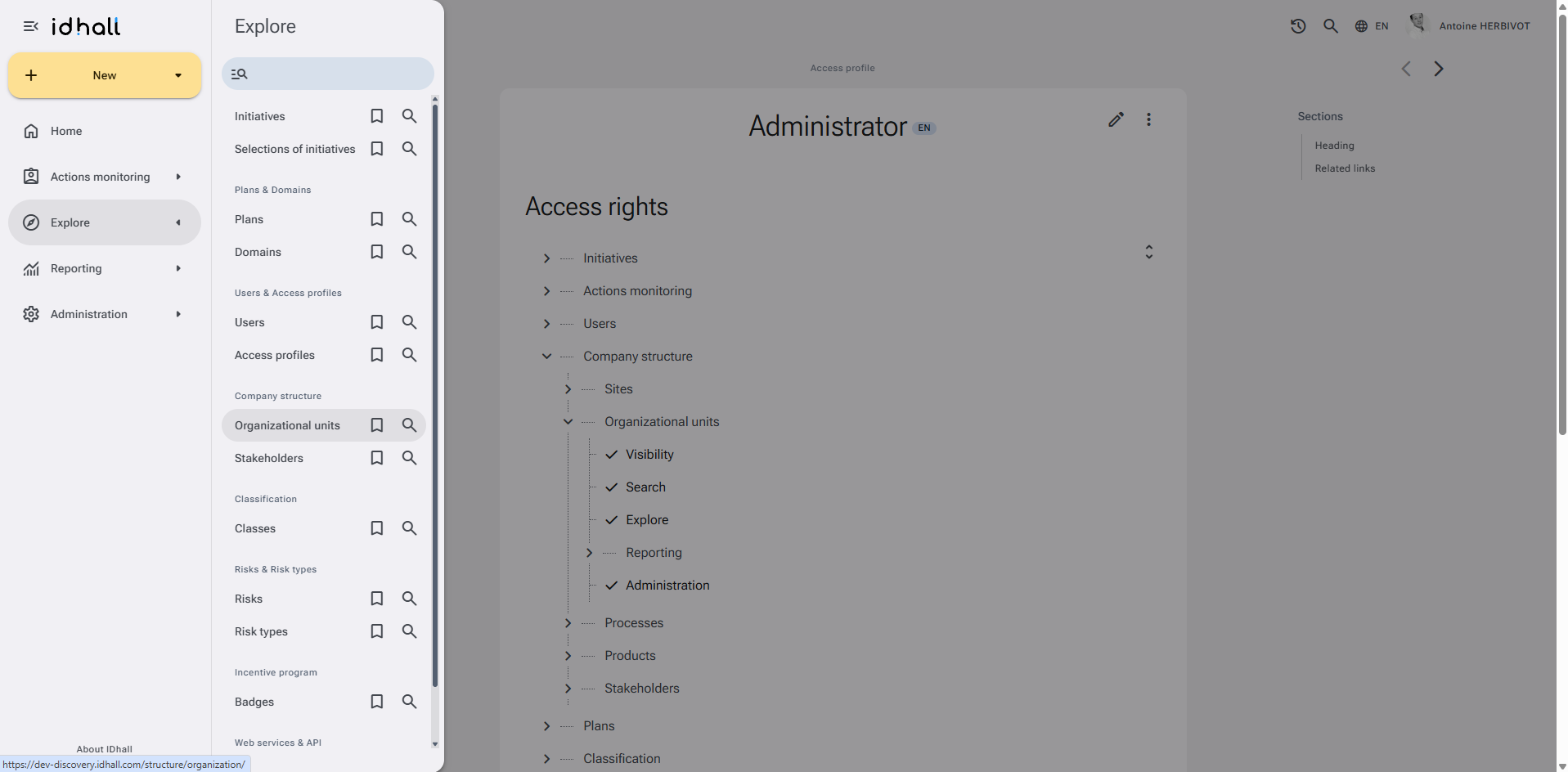
Users with edit rights automatically have the ability to perform searches from the Explore or Administration pages, even if they do not have the corresponding "Search" right.